3D Asset Manager

Stay in control of your production files

Collaborate on your art assets for your next real-time project. Track progress with version control and review your artists’ work.

  • Manage your art production with proper version control
  • Add a solid review and approval process on top
  • Organize files with tagging, descriptions and metadata
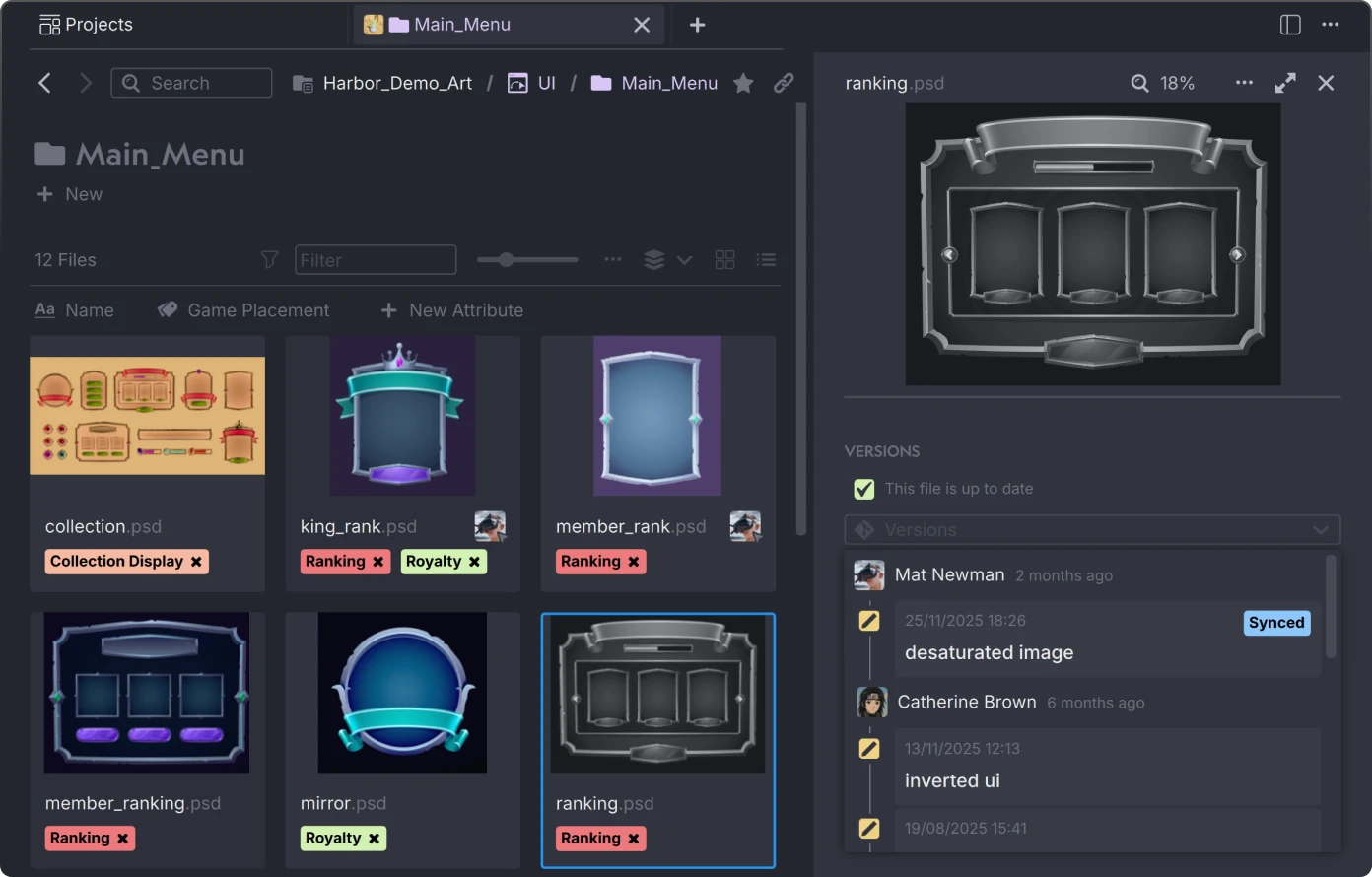
User interface in Anchorpoint for a digital asset manager showing a Main_Menu folder with game UI design files and a preview of a desaturated ranking.psd file with version history.

Why folder structures alone are not the right solution

And why a 3D asset manager can help you out

No cross-referencing

No way of tagging files. This often leads to duplicates.

No thumbnails

Searching e.g. for Blender assets requires loading multiple files in Blender over and over again.

No version control

No clear communication. Files are saved as character_final_final.psd.

Keep ownership of your assets

Anchorpoint is the asset manager that cares about your IP. No lock-in to another cloud provider.

Whether your assets are in a Git repository, Google Drive, or on a NAS, Anchorpoint manages them where they are.

What you see is what you get

See previews of 3D models, audio, video, images and specific formats such as Blender, Unreal or Substance.
Learn more
Anchorpoint file manager window displaying nine 3D model previews including an aquarium, a yellow spherical object, a house, a particle effect, a modern armchair, a park parking area, a potted plant, a stylized round texture, and an audio waveform.

Tightly connected with version control

Push and pull new asset versions from your local computer to a Git repository. No web uploads, no unzipping.
Watch tutorial

Review

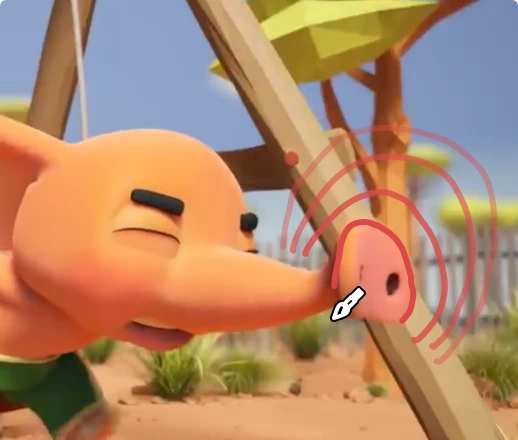
Inspect new contributions from your team. Provide visual feedback and get notified when your approval is required.
Animated orange Bellyfant in Anchorpoint with eyes closed, appearing to push a wooden structure outdoors with trees and grass in the background.
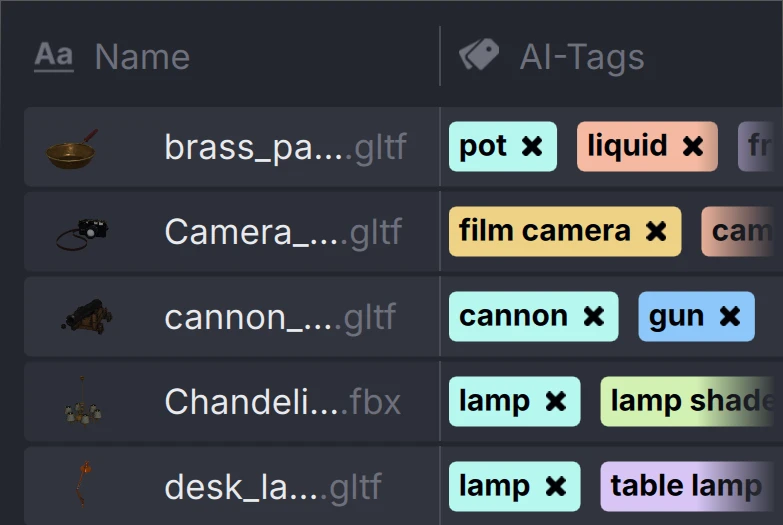
User interface in Anchorpoint showing a list of 3D model files with AI-generated tags including pot, liquid, film camera, cannon, gun, lamp, and table lamp.

Auto tagging

Make your assets searchable. Let AI do the work for you by auto-tagging your files.

File locking

Never lose work when two people edit the same file at the same time.
How locking works

Branching

Organize complex projects and pipeline steps using version control branches.

Access control

Modular repositories using Git submodules. Anchorpoint makes this painless and predictable.
Learn about submodules

Connected with Git

Keep game engine content and art assets in one place. Use selective checkout to only download what you need.
More about Git

Templates

Use folder structures and naming conventions to organize your project structure
Create your own templates

Review tools

Comment and annotate any image, video, or audio without using an external review tool

With Anchorpoint’s custom actions, organizing and naming footage becomes a one-click task. Anchorpoint makes sorting vast amounts of on set data much faster.

Viki Chan
On-set VFX Supervisor
Eyeline Studios

Frequently asked questions

Manage your 3D assets

Anchorpoint is the Git-based version control solution that lets you visually organize all your art assets. Your artists will love it.
customer logoastound logocustomer logocustomer logocustomer logo

More about 3D Asset Management

Tutorials and articles from our blog