Git for artists

Anchorpoint is the Git interface for non-technical people

  • Commit, push an pull to Git
  • Sync metadata for file locks, asset, tags, reviews and notifications
  • Manage everything using a desktop application
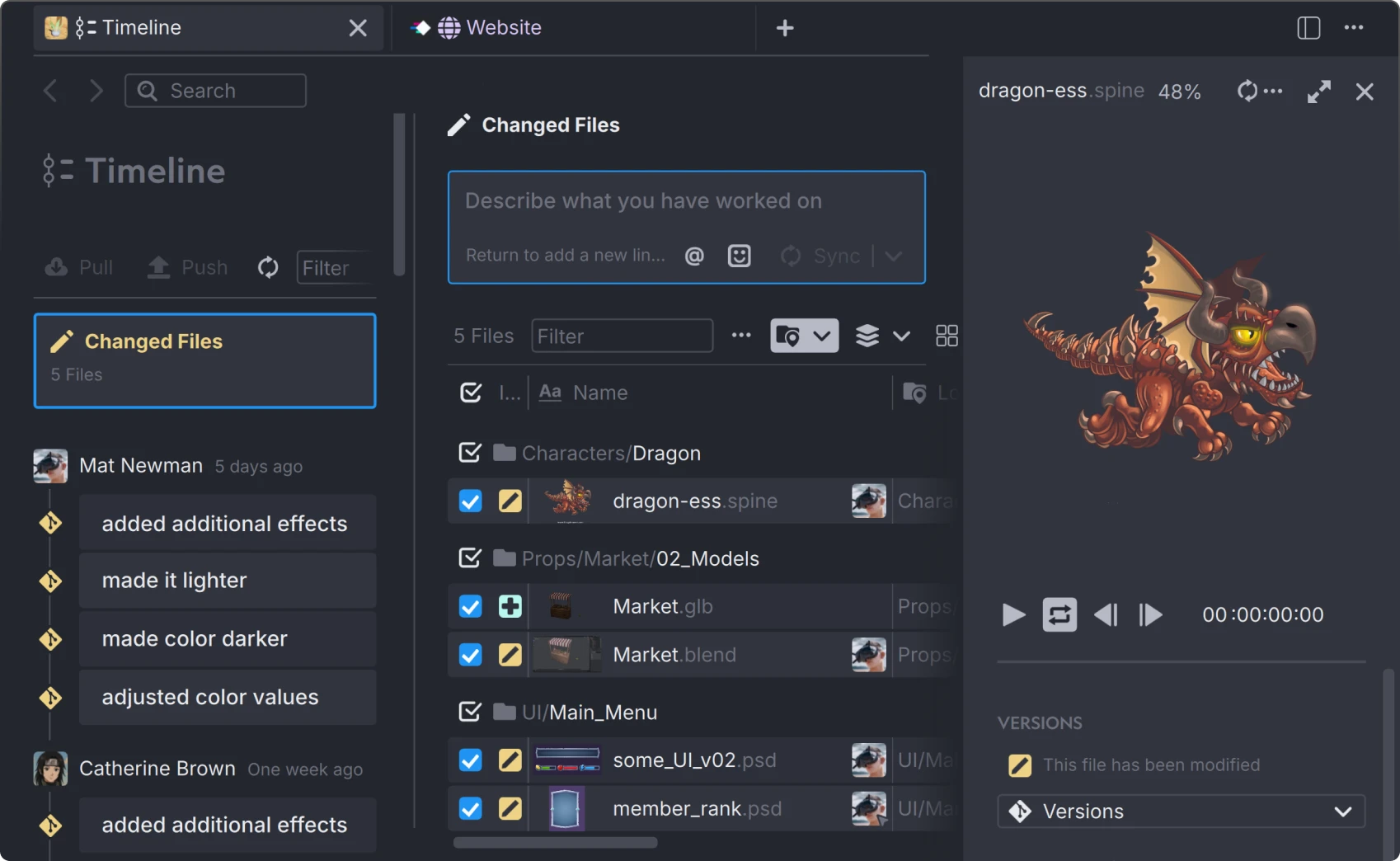
Screenshot of a dark-themed version control interface for artists named Anchorpoint showing changed files and a preview of a red spiked dragon character animation named 'flying'.

How Anchorpoint is different from a regular Git client

Better handling of binary files

Automatically configures Git LFS, uses less disk space, and prevents merge conflicts through file locking.

It’s visual

Understands industry-relevant image, video, audio, and 3D file formats, including Unreal Engine actor files and assets.

Handles Git edge cases

No need for troubleshooting when you’re stuck in an interactive rebase. Anchorpoint handles these cases automatically.

Get the most out of Git

Anchorpoint is optimized for binary files and meets the demands of AR/VR and game development by using the best of native Git features.

Selective checkout

Work on large repositories and sync only the files you need using Git sparse checkout.
Watch tutorial
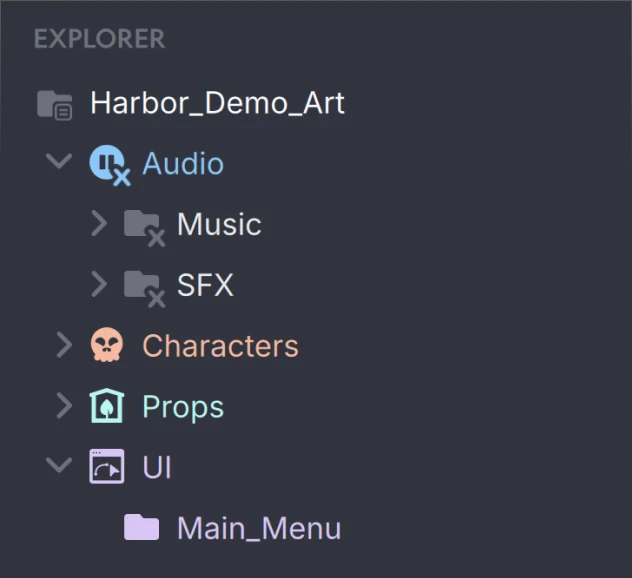
File directory panel showing folders named Harbor_Demo_Art with subfolders Audio (Music and SFX), Characters, Props, and UI containing Main_Menu.

File locking

Prevent conflicts on binary files or other formats that are hard to merge.
Read more
Interface showing two files named Playground.unity in Anchorpoint and Playground.unity.meta, with the first file locked by Catherine Brown.

Compatibility

Host files on GitHub or use other Git clients. Anchorpoint is fully compatible.

Integrations

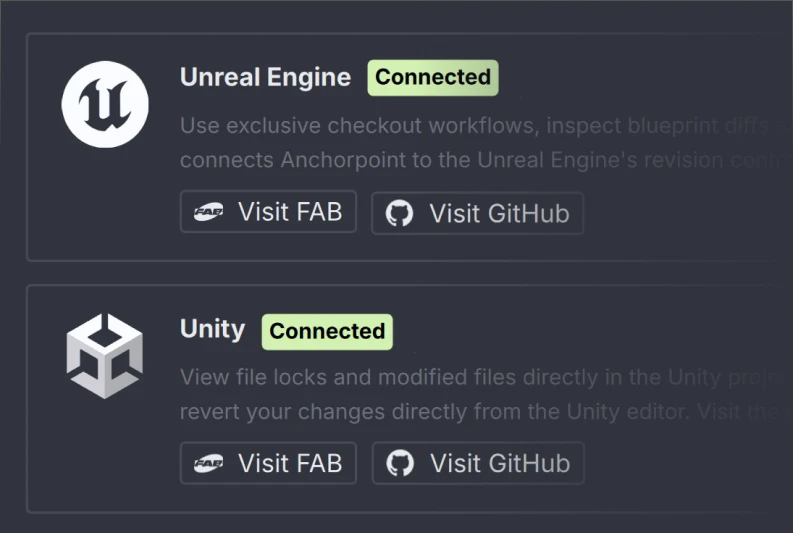
Commit changes and view file locks directly from Unity or Unreal Engine.
Interface showing Unreal Engine and Unity integrations in Anchorpoint, both marked as Connected with options to Visit FAB and Visit GitHub.

Branching

Use Git’s core features without limitations to manage larger projects.

Cache clean up

Anchorpoint cleans up the LFS cache automatically. No need to allocate more disc space.

Faile safe

Handles Git cases such as interactive rebases or stashing automatically

Automatic LFS configuration

No need to install LFS and set up configuration and attribute files

Thumbnails

See a visual representation of your files such as FBX, PSD, Uasset etc. in your commit history.

Submodules

Modular repositories with proper access control. Anchorpoint makes Git submodules easy to use.
Learn about submodules

The perfect version control solution for

Anchorpoint uses Git LFS and is optimized for binary files. It stands up to all the demands of AR/VR and game development.

Unreal logo
Untiy logo
Godot logo

With Anchorpoint our 3D Artists and developers work even more efficiently on projects together. Everything is compactly organized in one pipeline. Thumbnails and full resolution previews make work even more productive.

René Frasek
3D Artist & Product Owner 

GETPIONEERS GmbH

Frequently asked questions

Manage your 3D assets

Anchorpoint is the Git-based version control solution that lets you visually organize all your art assets. Your artists will love it.
customer logoastound logocustomer logocustomer logo

More about Git

Tutorials and articles from our blog