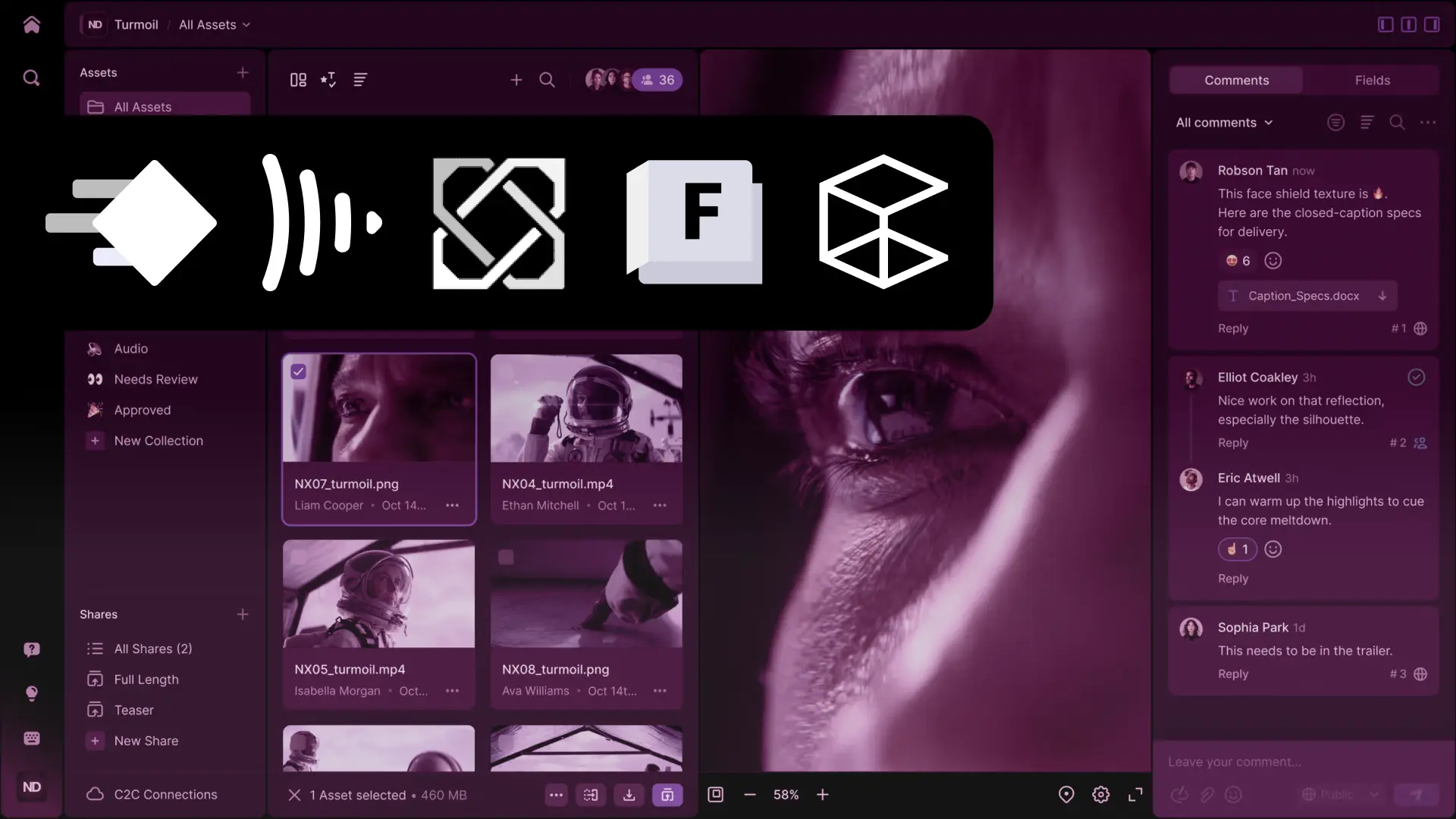
A comparison of 3D asset management software for game art
A side-by-side comparison of tools for game art teams. It includes previews, version history, file locking, and reviews to help keep Unity and Unreal pipelines organized.
George Neguceanu
12 Nov 2024
Updated on
28 Sep 2026
6
min read
Content
TL;DR: 3D asset managers beat file sync (Dropbox/Google Drive) or VCS (Git LFS/Perforce) for game art by adding thumbnails, tags, and search. Top picks:
3D asset management software helps you organize your assets by providing thumbnail generation for each model and texture, quick search by tag or name, versioning of your files, and can be integrated into your pipeline if you use a specific engine or tool.
Why do I need an asset manager, a so-called DAM?
Imagine you have dozens, hundreds of assets on your hard drives, but because they were created over a long period of time, they were not properly organized and now they are hard to find and identify. With a 3D asset management software you can easily do this, especially with the presence of thumbnails and fast search.
An asset library without a proper structure
For example, I had hundreds of small models for a game I had developed over the years. Some were old versions, some were new, and while they had some structure, with a 3D game asset management software I was able to organize all the assets into two main folders in half an hour, so I could focus on development and not spend time looking for a model I created two years ago.
Now think about working in a team where you cannot monitor what your team members have created. You need a proper folder structure or a tool that makes it easier to keep track of all the assets in your project.
Can’t I just use Dropbox, Google Drive, Git LFS or Perforce Helix Core for managing assets?
There is a vertical and horizontal method of organizing assets. Vertical is the file versioning, like a linear history per file and then based on the iteration you can organize working iterations. Horizontal is the other method of organizing assets by placing assets in specific folders, by tagging them with specific tags and by using asset search.
Asset managers work both ways, while version control tools can usually only help you organize your iterations vertically.
Google drive vs Anchorpoint
Dropbox, Google Drive can distribute files over the cloud, but don't have extensive versioning or organization (tagging, etc.) capabilities.
Perforce Helix Core or Git LFS have versioning capabilities but are limited in organization features (tagging, thumbnails, etc.).
Once tagging is added to Lore, the newest and fastest version control system created by Epic Games (the creators of Unreal Engine), Lore clients like Anchorpoint will become the fastest DAMs available, on top of the version control system they offer as their main feature.
How to categorize 3D asset management tools?
Version control tools vs library tools
Version control tools are used for working files where you do a lot of iteration, such as your props, characters, and any active assets you work on for your game.
Library tools are used to organize asset packs, assets from previous projects, basically anything that sits on the shelf and will be reused later.
Web Browser based vs Desktop based
Web browser based tools make it easier to share your files with stakeholders such as marketing or external clients.
Desktop applications can work with your local files, making it easy to batch upload/download and manage file versions.
Asset management file types
Although tools like Dropbox and Git LFS handle basic storage, dedicated 3D asset managers like Anchorpoint are better suited for game art teams. They combine versioning, artist-friendly tagging and searching, and file locking to prevent lost work, making them the top choice for Git integration over web-only or library-focused alternatives.
Solutions
Although we are the developers of Anchorpoint, we will also provide you below Pros and Cons comparison of other similar software you might like.
1) Anchorpoint
In addition to version control, Anchorpoint also provides 3D asset management capabilities.
Anchorpoint is a 3D asset management software and version control solution for artists. It is used in game development, animation, and any other real-time project.
Pros
✔ Git-based version control, including file locking and committing to Git repositories
✔ Allows existing folder structures
✔ Works with Dropbox, Google Drive, or any shared storage
✔ Thumbnails
✔ Tagging, commenting, and searching
Cons
✖ No web version available
✖ No dedicated cloud hosting solution, requires you to store your files
Target group
✔ Game developers, especially those already using Git for their game engine projects
✔ Architectural visualization and product design
Anchorpoint
A version control solution for your art assets that is tightly integrated with Git.
Das element is a 3d library software that helps you to manage and organize your VFX asset library, a good tool to manage your visual effects elements.
Pros
✔ Allows existing folder structures
✔ Transcoding tools for video proxy files
✔ Thumbnails
✔ Tagging and searching
✔ Works with Dropbox, Google Drive, or any shared storage
Cons
✖ No web version available
✖ No own cloud hosting solution, requires you to store your files
Target group
✔ VFX studios looking to reuse content
✔ Animation studios
3) Perforce Helix DAM
Helix Dam asset thumbnails
Perforce Helix DAM is an web application that integrates with Perforce version control.
Pros
✔ Integrates well with Perforce Helix Core
✔ Web version
✔ Thumbnails
✔ Tagging and searching
✔ Detailed access controls
Cons
✖ Requires an additional license in addition to Helix Core
✖ No desktop application. You must use the P4V client to batch upload files
Target group
✔ Game developers, especially those already using Perforce for their game engine projects
4) Echo 3D
A 3D library in Echo 3D
Echo 3D is a 3D-focused cloud platform and API for storing, securing and sharing 3D models and scans in real time across organizations.
Pros
✔ Onboard 3D optimization tools
✔ Thumbnails
✔ Tagging and searching
✔ Detailed access controls
Cons
✖ No desktop application available
✖ Cannot use your own storage solution
Target group
✔ E-Commerce, Assets storage
5) Eagle (eagle.cool)
A collection of assets in Eagle
With Eagle, you can collect, search, and organize your images and design files all in one place.
Pros
✔ Perpetual license model
✔ Thumbnails
✔ Tagging and searching
✔ Works with Dropbox, Google Drive, or any shared storage
Cons
✖ No web version available
✖ Not suitable for team collaboration
Target group
✔ Designers who want to organize their references, moods and inspirations
Frequently asked questions
Why is version control important?
Version control is the practice of monitoring and managing changes made to software code. This enables multiple team members to collaborate on a project without the risk of overwriting one another's contributions. Additionally, version control keeps a full record of all changes, making it simple for developers to revert to earlier versions when necessary.
How does Anchorpoint improve asset discoverability for artists and designers?
Anchorpoint provides a high-performance asset browser that allows you to find project files through tagging and advanced search. You can organize assets "horizontally" with custom tags and descriptions, or use AI-powered auto-tagging to automatically identify and categorize 3D models, textures, and sprites.
What sets Anchorpoint's asset management apart from a conventional digital asset manager (DAM)?
Most traditional DAM systems are web-based platforms built for marketing teams to store finished JPEGs or PDFs. In contrast, Anchorpoint is a desktop solution built for the production pipeline. It manages "raw" working files (like .blend, .psd, or .fbx) and integrates them directly into the development workflow.
Can an asset manager track my tasks?
Some can, but only to a limited extent. In this case, it's worth looking at a dedicated project management application such as Jira, Codex or Notion.
Is an 3D asset manager also a backup solution?
Not really. An asset manager can be integrated with backup solutions such as Backblaze. If you're using Anchorpoint, Perforce, Git or Dropbox to host your files online, you more or less have a backup built in, but in general it's good practice to use an extra layer of security with dedicated backup software.