Game Asset Management: The Complete Guide
Learn how to manage game assets at scale in Unity and Unreal by studying folder structures, naming conventions, libraries, version history, file locking, and review workflows.

Anchorpoint supports common image display functions such as zoom and pan, as well as batch processing.
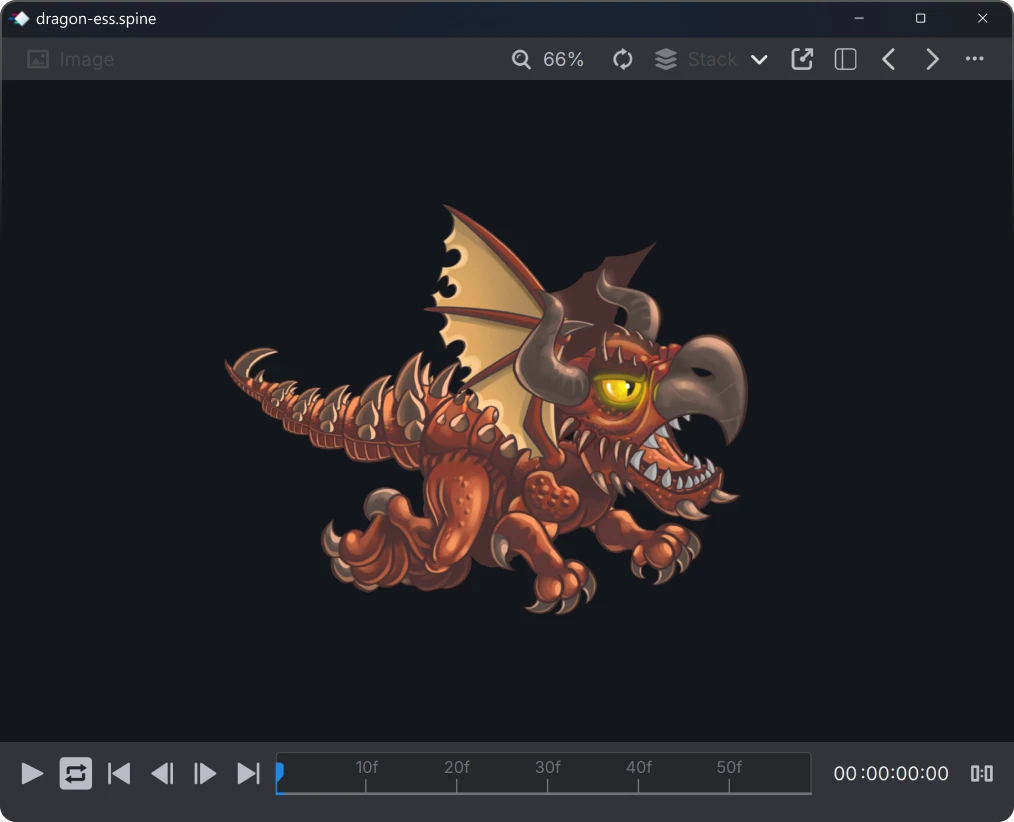
Don't wait until Photoshop loads your images. Anchorpoint can display all common image formats. So you can find the right asset faster.


Convert a PSD, EXR or any image to a PNG that you can paste in a chat or upload to the web.
Convert an image sequence to video for reviews and quick previews
Create predefined folder structures and naming conventions
Rename multiple files according to specific rules


With Anchorpoint’s custom actions, organizing and naming footage becomes a one-click task. Anchorpoint makes sorting vast amounts of on set data much faster.
Scan your images with a quick thumbnail viewer. Play video and audio clips on hover.

Anchorpoint supports OCIO configurations to correctly display ACES color spaces to view EXR files correctly. Use our existing presets or import your own configuration.
Search huge folders on your hard drive or NAS. Use fuzzy search and filters to find your asset as quickly as possible.

ACES is the abbreviation for Academy Color Encoding System (ACES) and is a color management system that standardizes color spaces of various devices and software solutions (cameras, 3D software).
Renderings and videos thus have the same color space and can be better adapted to each other in compositing.
OCIO is the abbreviation for OpenColor.io (OCIO) and describes the software that can be used to store and modify color spaces such as ACES.
In short:
ACES - The color space
OCIO - The file format that can store and manage color spaces like ACES.
You can compare it like with videos. MP4 is the file format and H264 is the codec.
Anchorpoint does not do anything with your data. It only reads them and can add metadata (tags, comments) that will be useful later in the search.
Yes. Anchorpoint is 100% compatible with Git, but it is much more than just a Git client. It is designed specifically for game development workflows, handling the technical complexities of Git in the background. This allows artists and non-technical team members to manage versions and collaborate without needing to learn complex Git commands. It also includes a cloud-managed metadata system for features like file locking, which standard Git does not provide.
Yes. Anchorpoint is flexible because it does not host your files, ensuring you have no vendor lock-in. You can use it with a local NAS or cloud storage providers like Dropbox. However, for teams needing version control on assets that go through iterative workflows, we recommend connecting it to a Git server (such as GitHub, Azure DevOps, or a self-hosted GitLab instance) to take full advantage of its asset management and pipeline automation features.
Anchorpoint is not a web-based DAM where you work in your web browser to view and manage your assets. For example, it is not designed for e-commerce where you want to stream 3D assets from your DAM to your web store.
Anchorpoint is a desktop application that can read and manage your work files (.blend, substance, PSD, EXR, etc.). Anchorpoint is designed for your art asset pipeline, where you need to create, review and approve assets.
Most DAMs are built for marketers to store finished JPEGs or PDFs. Anchorpoint is a version control solution built for creators. It manages the "raw" working files (FBX, Spine, PSD) and integrates them directly into the development pipeline.
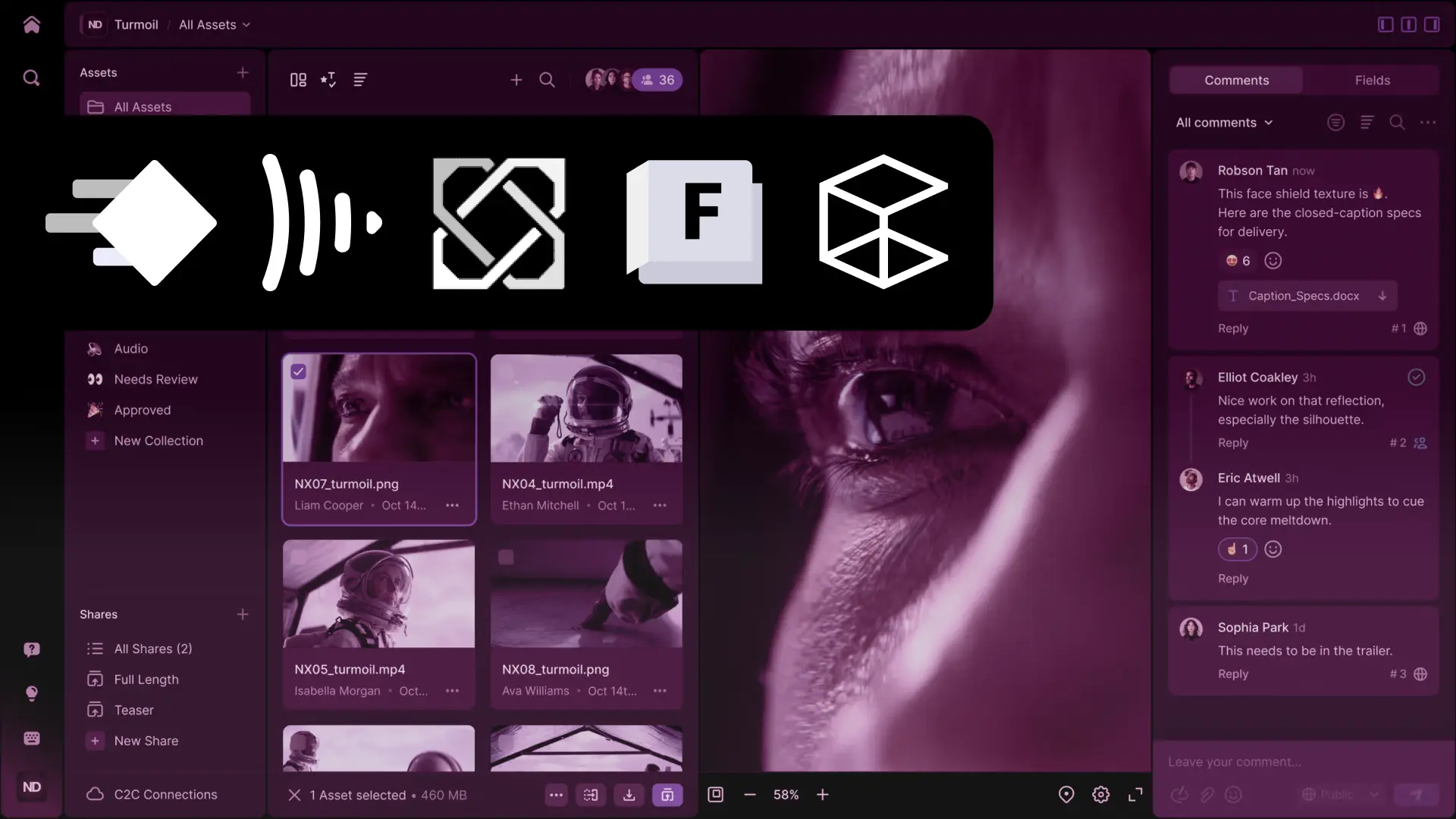
Anchorpoint does not create a database file alongside the original files. It shares the metadata through a cloud service that runs in the background. This ensures that your team receives real-time updates and notifications when, for example, you add a comment with an @mention.
Yes. There is an API that you can use to build integrations to other applications and to extend the UI of Anchorpoint.
Not at all. We focus on non-technical users who want to do their work with as little interaction with the production pipeline as possible. Anchorpoint handles the technical "Git" parts in the background, providing you with a simple interface for file distribution and asset reviews.