File locking

Never lose work again

Anchorpoint sets files to read-only as soon as a team member starts working on them.

  • Avoid merge conflicts
  • Prevent files from being accidentally overwritten
  • Get an instant overview of who is working on what
Interface showing two files named Playground.unity in Anchorpoint and Playground.unity.meta, with the first file locked by Catherine Brown.

Automatic protection of your team’s work

Anchorpoint’s file locking system sets files to read-only when a team member starts working on them. File locks are managed through the Anchorpoint metadata system.
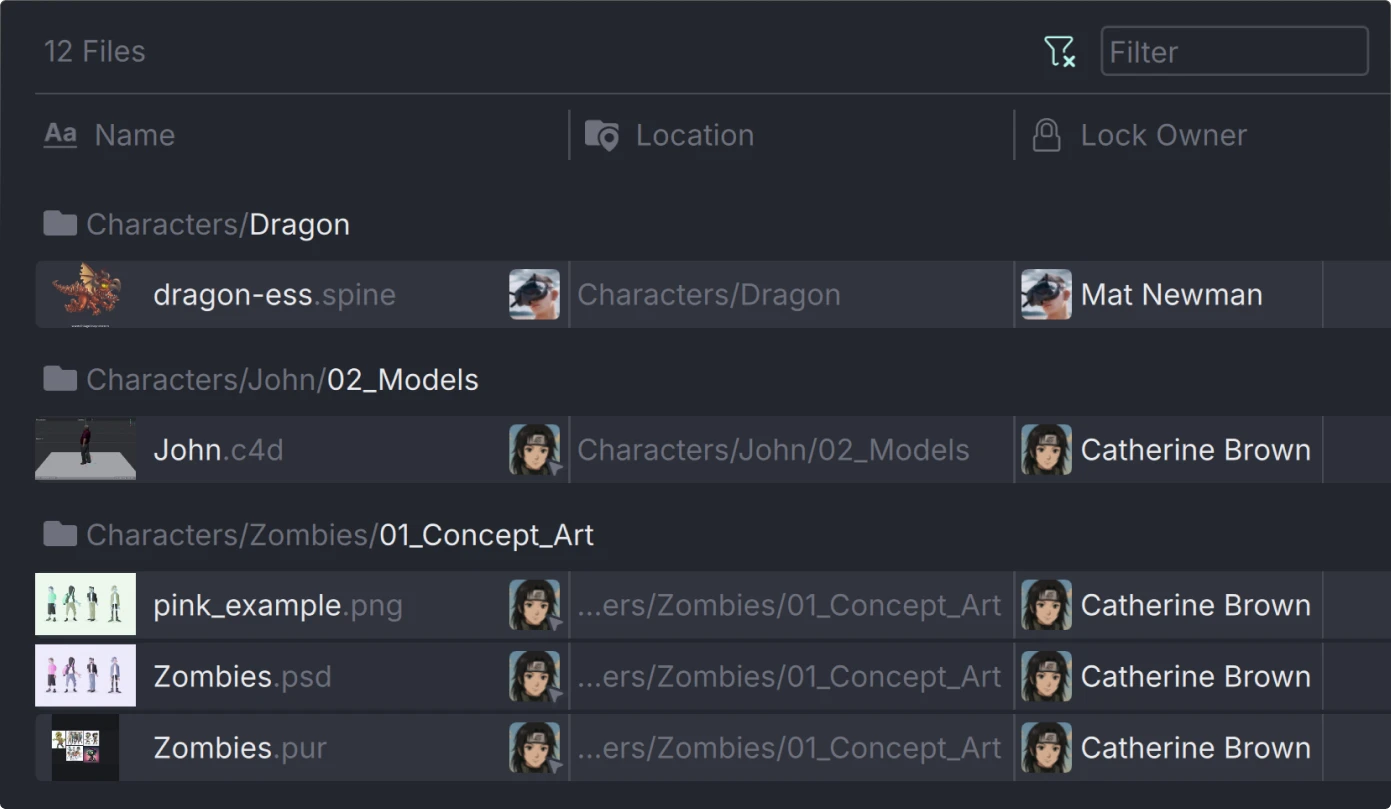
A lock page in Anchorpoint showing 12 files with folders Characters/Dragon, Characters/John/02_Models, and Characters/Zombies/01_Concept_Art, listing files with thumbnails and owner names.

See who is working on what

A dedicated overview page shows all modified and locked files across the entire project. It also allows you to remove locks if team members went on vacation without unlocking their files.

Integrated with Unreal and Unity

See file locks directly in the game engine’s content browser to avoid editing assets that are currently modified by other team members.
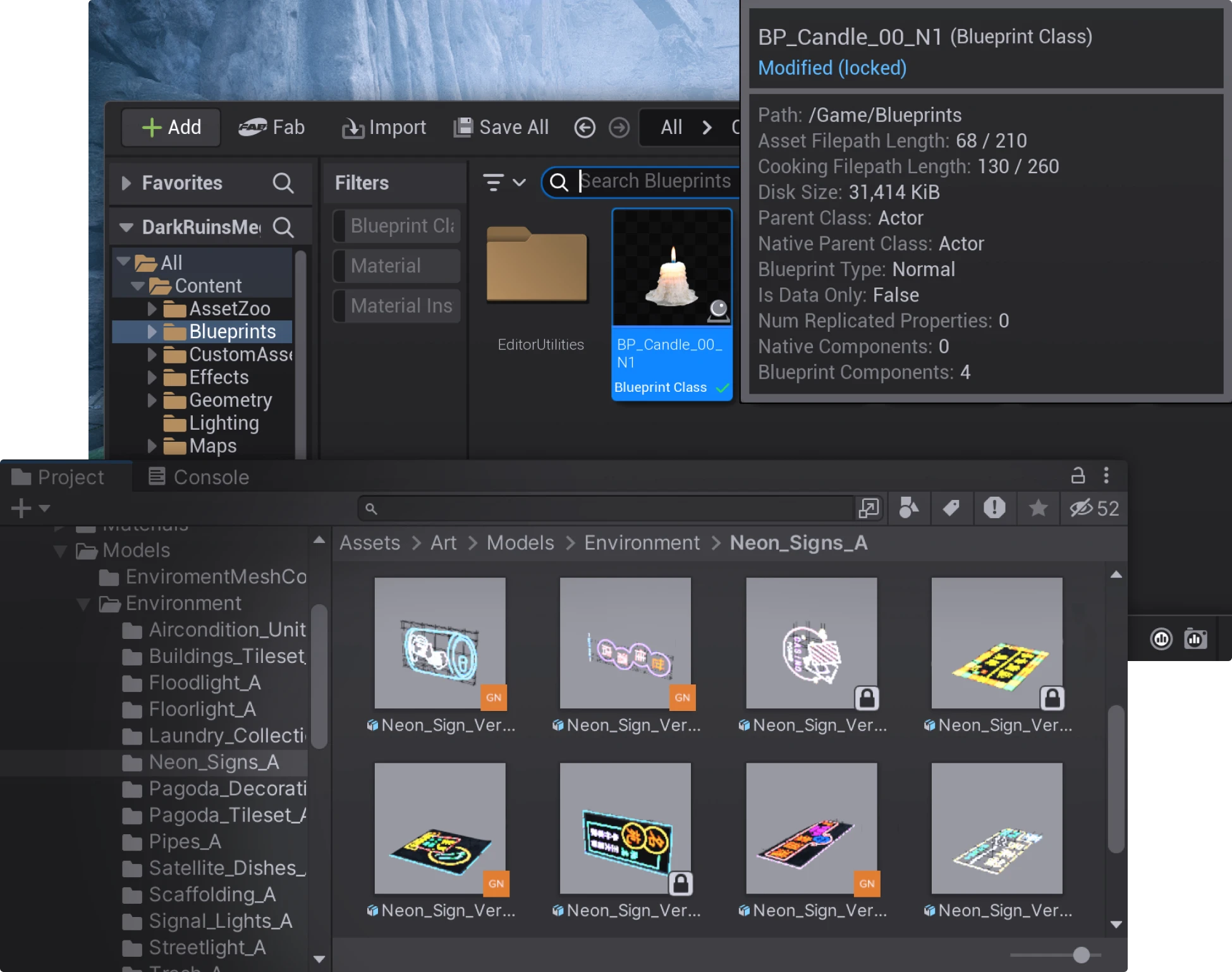
Unreal Engine and Unity interface showing Blueprint Class for a candle and a project folder with various neon sign 3D models with file locks.
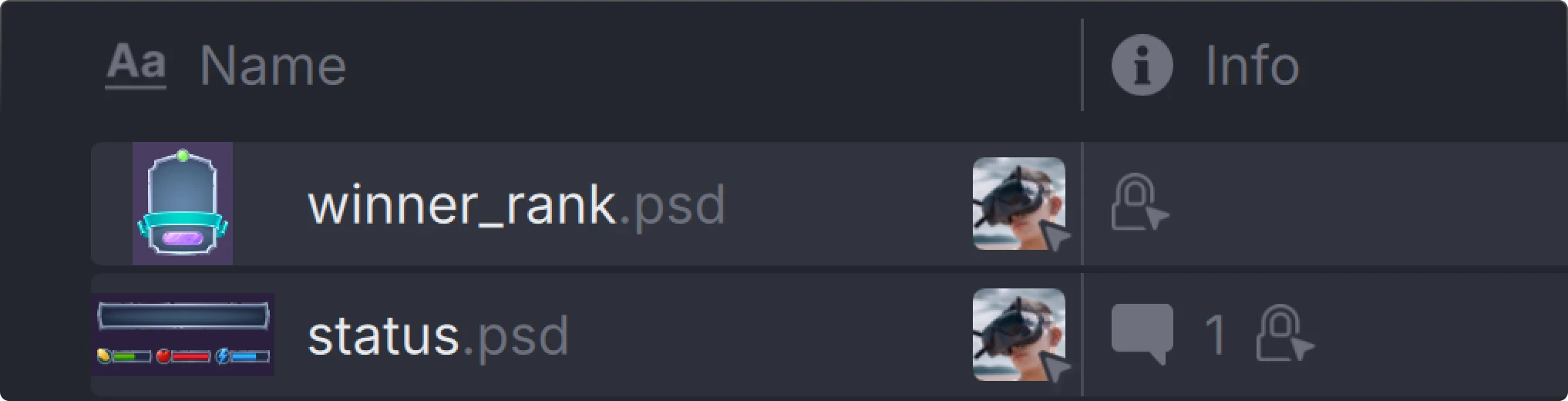
Two PSD files in Anchorpoint named 'winner_rank.psd' and 'status.psd' with thumbnails, user avatars wearing VR headsets, and information icons in a dark-themed list view.

For every asset type

Use file locking with DCC tools such as Blender, Photoshop, or Substance Painter without requiring a plugin. Locks can also be managed directly in the Anchorpoint browser.

How it works

Files are automatically locked on change and unlocked after updating to the latest version.
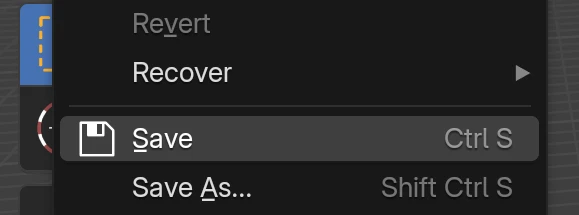
Dropdown menu from File tab in Blender showing options New, Open, Open Recent, Recover, Save, and Save As with keyboard shortcuts.
A team member modifies a file. The change is detected by Anchorpoint.
Anchorpoint automatically locks the file. The file becomes read-only for other team members.
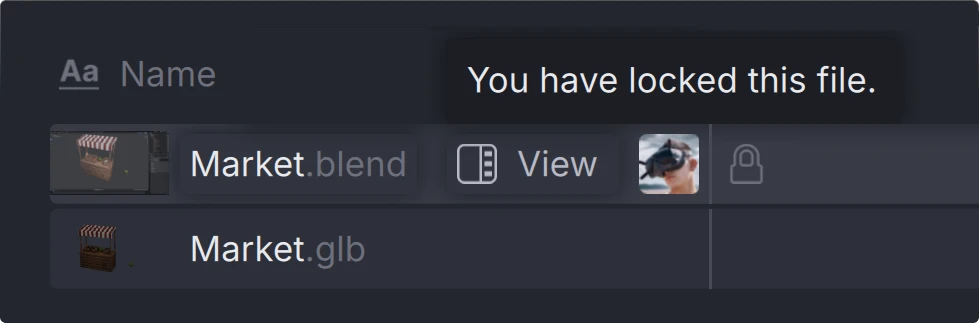
Screenshot of a file browser in Anchorpoint showing 'Market.blend' locked with a tooltip stating 'You have locked this file,' and below it an unlocked 'Market.glb' file.
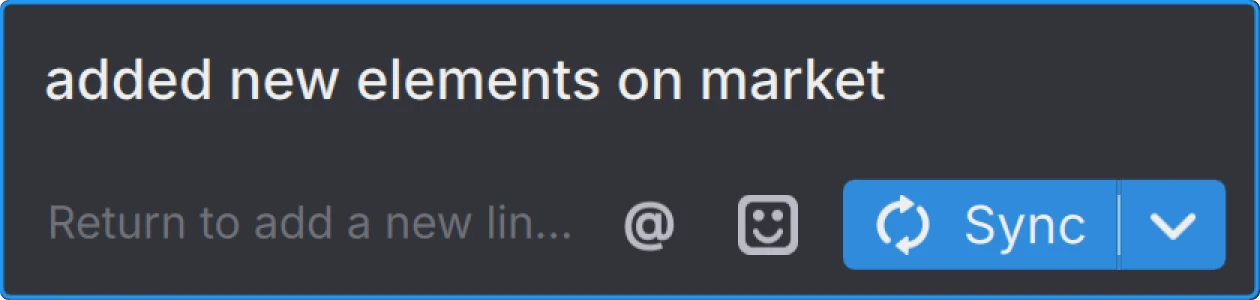
Text input area in Anchorpoint displaying 'added new elements on market' with icons for mentioning, emoji, and a blue 'Sync' button.
The team member pushes the changes, and other team members pull the update. Once the latest version is pulled, the file becomes writable again.

Read about the details in our documentation
Our remote team quickly discovered how vital version control is in using Unreal Engine for animation and VFX. Anchorpoint let our team focus on the work at hand with a great product and outstanding support!

Johnathan Schutz
Production Manager
Burns & Co

Frequently asked questions

Avoid merge conflicts

Anchorpoint protects your work using file locking with minimal interaction. Try it on your existing projects.
customer logoastound logocustomer logocustomer logo

More about Anchorpoint

Tutorials and articles from our blog