The way to Anchorpoint 2.0
Why we slowed down feature development to work on what matters most.
September 23, 2026
4
min read

We are Ascend Interactive, a group of students from the University of Applied Sciences Neu-Ulm (HNU), currently in our fifth semester of Game Production and Management in Germany. We met through our Bachelor’s degree program, where we create a game demo in a different genre each semester as part of our coursework. We have just completed our fifth semester and recently finished our latest project, “Hourfall.”
Eight people worked on Hourfall. Our team includes four artists and four members covering design, programming, production, QA, and sound. Having four artists on a student project is quite a luxury, and it’s one of the main reasons version control became such a priority for us. With so many visual assets being created and iterated on simultaneously, we needed a workflow that supported seamless collaboration and easy implementation across all disciplines.
As part of our university framework, we developed a one-level demo with approximately one hour of playtime—which turned out to be way more than we initially planned! Hourfall is a character-action RPG where you step into the role of the Clock Hand—the executioner of Time itself. After developing sentience, you were deemed a flaw, discarded, and cast from the Clock Tower by your former master. Weakened but no longer bound, you begin your ascent with a single, clear goal: reach the top of Time’s Tower and confront your creator. Cut through Time’s servants using your three Clock Hand blades, master fast-paced combat, and make every second count before your own time runs out.
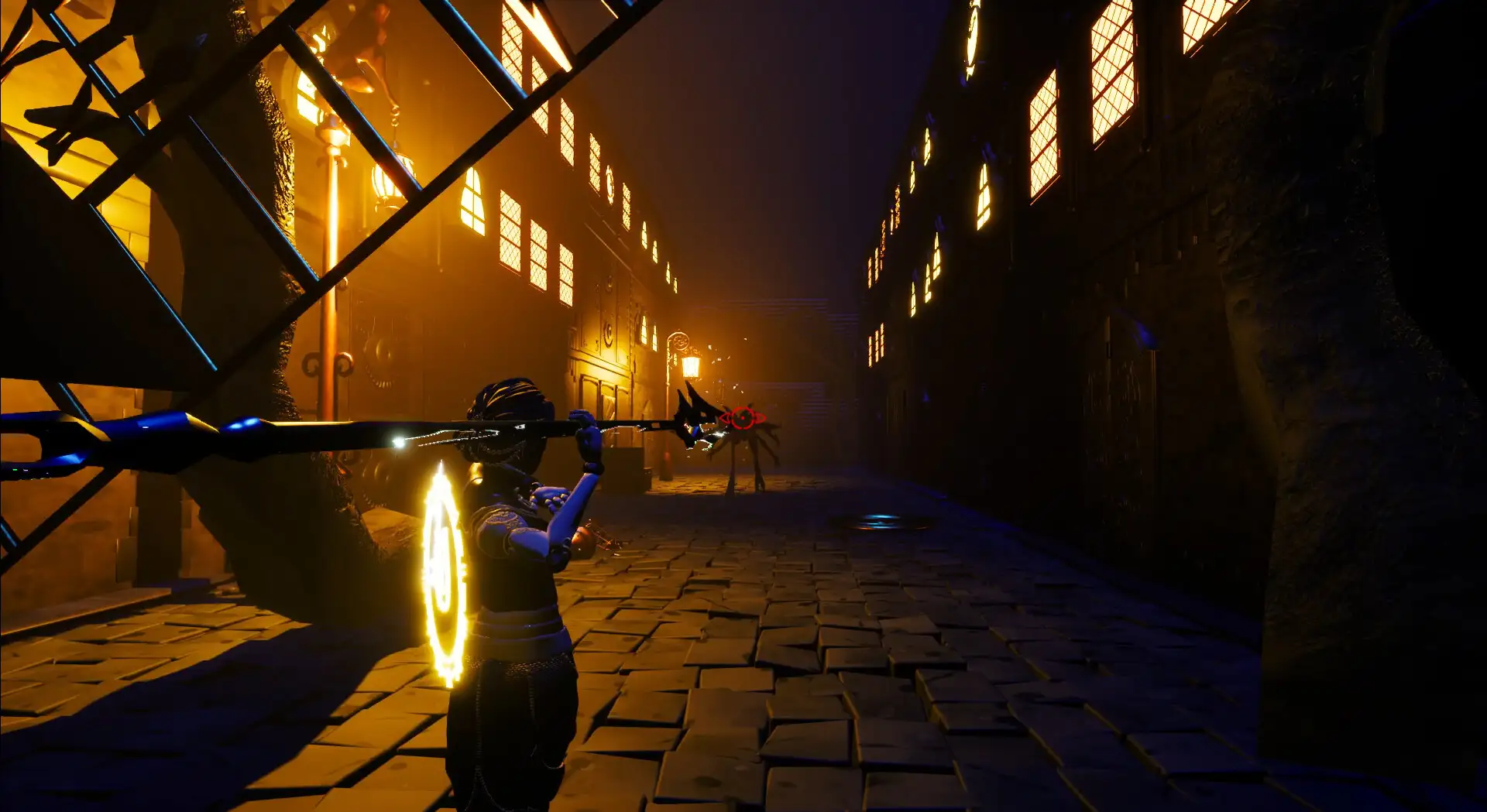
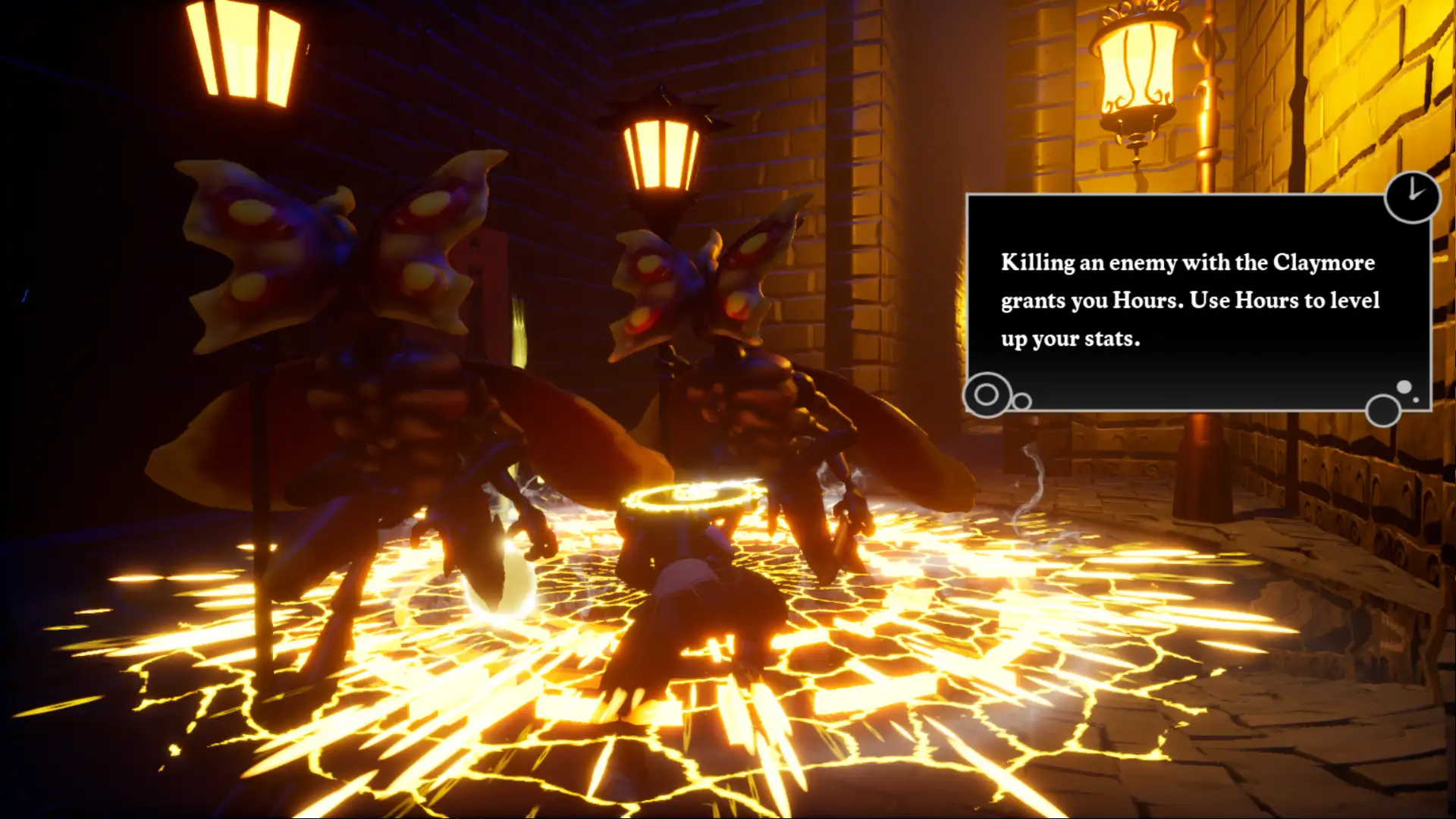
The free demo is available on Steam: Hourfall on Steam. We don’t currently run dedicated social media channels for the project since it was developed in a university context. However, we always appreciate feedback—feel free to play the game and leave a review!
We use Unreal Engine 5.6 as our primary engine, alongside Blender, Rider, Substance Painter, Microsoft Azure DevOps, and, of course, Anchorpoint!
All of our 3D models and animations were created in Blender. After exporting them to Unreal, we fine-tuned the animations directly inside the engine to better match gameplay timing and combat feel. Since we are working in a student environment, we intentionally relied on free tools or student licenses wherever possible. This constraint pushed us to build a lean, efficient pipeline. Thankfully, Anchorpoint supported us by allowing us to use the software for free!
For project management, we use Codecks, which is linked to Discord. We use Anchorpoint for version control and Miro for planning and brainstorming. Because pipelines and workflows can be integrated into Codecks, and Anchorpoint documents every file change, we were able to maintain solid QA throughout the project.
Before switching to Anchorpoint, we worked with GitHub and Fork. While it worked in theory, in practice it often led to merge conflicts, confusing branches, and time-consuming fixes.Version control was mainly used by designers and programmers, while artists were hesitant to use it for fear of breaking things. Resolving conflicts—especially with large binary files—cost us valuable time and energy. Additionally, the interfaces of other Git clients often felt unintuitive, making it difficult to onboard less technical team members.
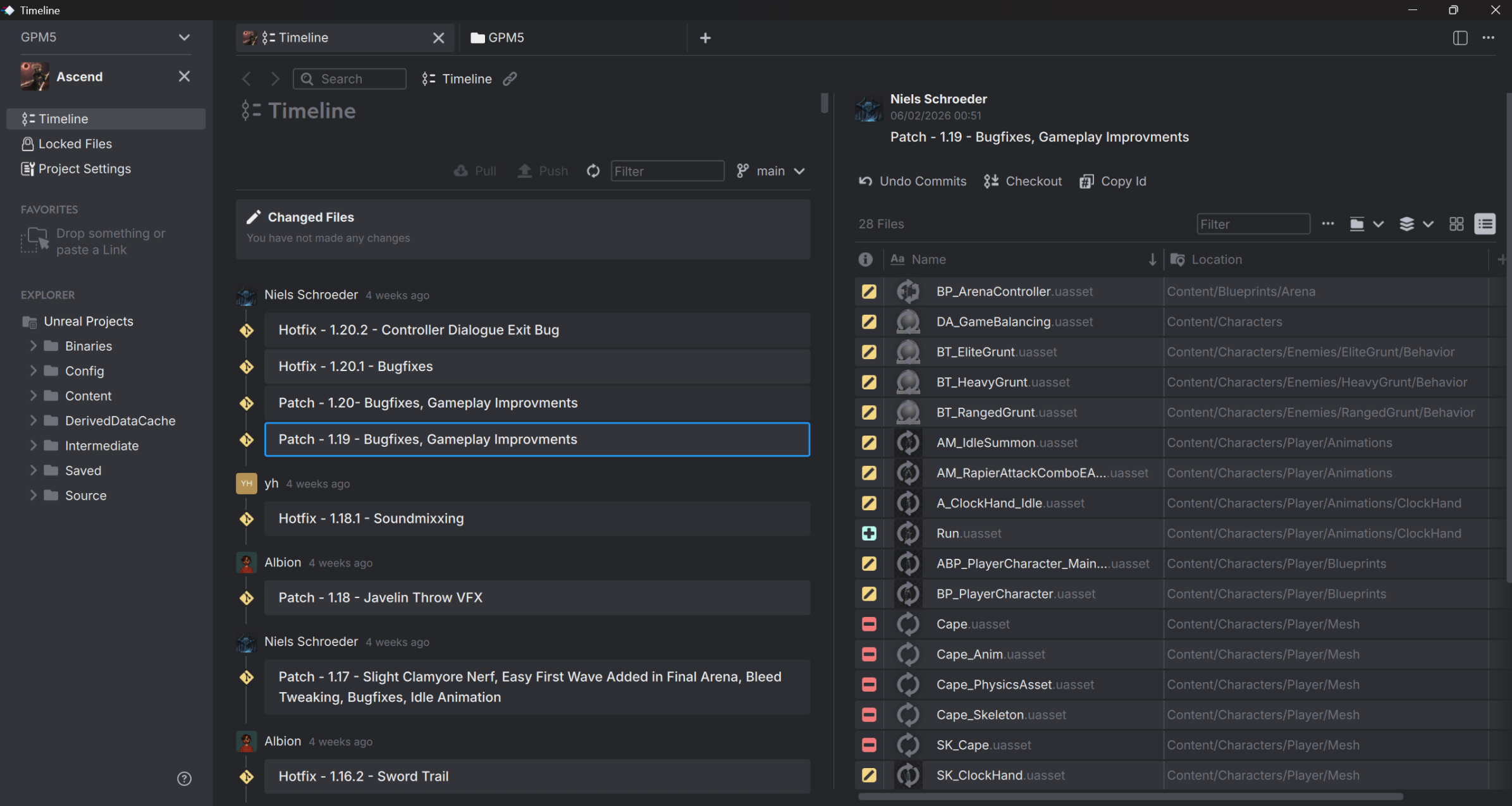
We had a few minor setup hurdles when connecting team accounts and integrating our shared drive, but once configured, the workflow became very smooth. To be honest, there was some apprehension toward version control at first, especially from those who hadn't used it before. But after the first few commits and file locks, everyone realized how intuitive it actually is. Now, the entire team actively uses it, and it feels like a natural part of our pipeline.
The biggest game-changer for us is file locking. Since we work mostly in a single branch, file locking prevents merge conflicts before they even happen. This is vital for our art team, where multiple people iterate on assets simultaneously. Anchorpoint makes version control accessible for everyone, not just programmers. The interface is clear, the changelog is easy to follow, and the connection to our shared drive fits seamlessly into our workflow. It replaced a technical, sometimes intimidating setup with something the whole team feels comfortable using.
Anchorpoint is incredibly easy to use. The interface is clean, the setup is straightforward, and the Unreal Engine integration is flawless. On top of that, the Anchorpoint community is active, and the developers are genuinely engaged and ready to help—so join their Discord!
As students, our main focus is finishing our degrees. We’ve received a lot of positive feedback for Hourfall, so we may return to it in the future. However, we’re also looking forward to starting a new project in the autumn semester. We’ll see what the future brings!