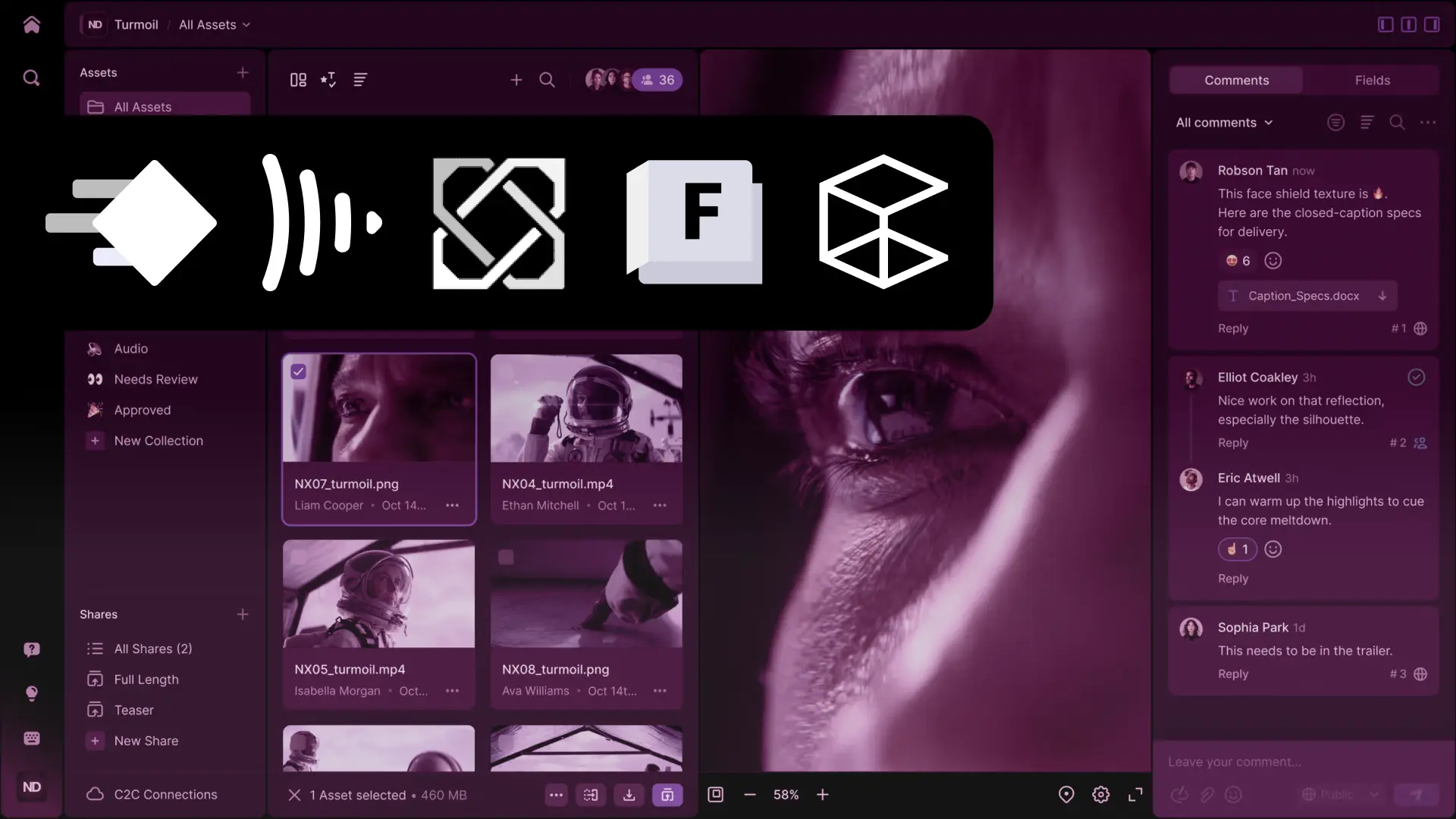
Discover the top five video asset management tools tailored for video production and VFX teams in 2026. Compare Anchorpoint, Frame.io, SyncSketch, Autodesk Flow Production, and Connecter to find the tool that best fits your needs.
George Neguceanu
03 Mar 2026
Updated on
23 Jul 2026
7
min read
Content
TL;DR Choosing the right video asset management software depends on your specific pipeline requirements:
Anchorpoint: Best for animation and VFX teams needing video asset management software built on Git version control. It keeps artists' files safe and organized without technical complexity.
Frame.io: Best for cloud-native review and approval, offering seamless integration with the Adobe Creative Cloud suite.
Unity SyncSketch: Best for real-time, synchronous visual collaboration and critiquing 3D assets in a shared session.
Autodesk Flow (ShotGrid): Best for large-scale studios that require heavy-duty production tracking and complex resource scheduling.
Connecter: Best for teams looking for a visual browser to organize massive local or network-based 3D and video libraries.
Finding the right video asset management softwarecan be the difference between smooth production and chaos, with countless "Final_v2_FINAL.mp4" files. In video production and visual effects (VFX), managing thousands of iterations, high-resolution 4K/8K files, and complex image sequences poses a significant challenge. Artists and supervisors need a central hub where they can browse, review, and manage versions of their work without the technical overhead of traditional IT systems.
Why you should use a Video Asset Management Software
Standard cloud storage services, such as Google Drive and Dropbox, often fall short when it comes to meeting the specific needs of VFX and video production. Dedicated video asset management software offers specialized features that can save hours of production time.
Visual Previews for Complex Formats: Browse through EXR sequences, RAW footage, and heavy video files without downloading them locally first.
Frame-Accurate Review: Give feedback on specific frames or time-ranges so artists know exactly what to fix.
Unified Search: Locate specific shots or assets using custom metadata, tags, and AI-powered filters rather than digging through nested folders.
Top 5 Video Asset Management Software choices
Anchorpoint
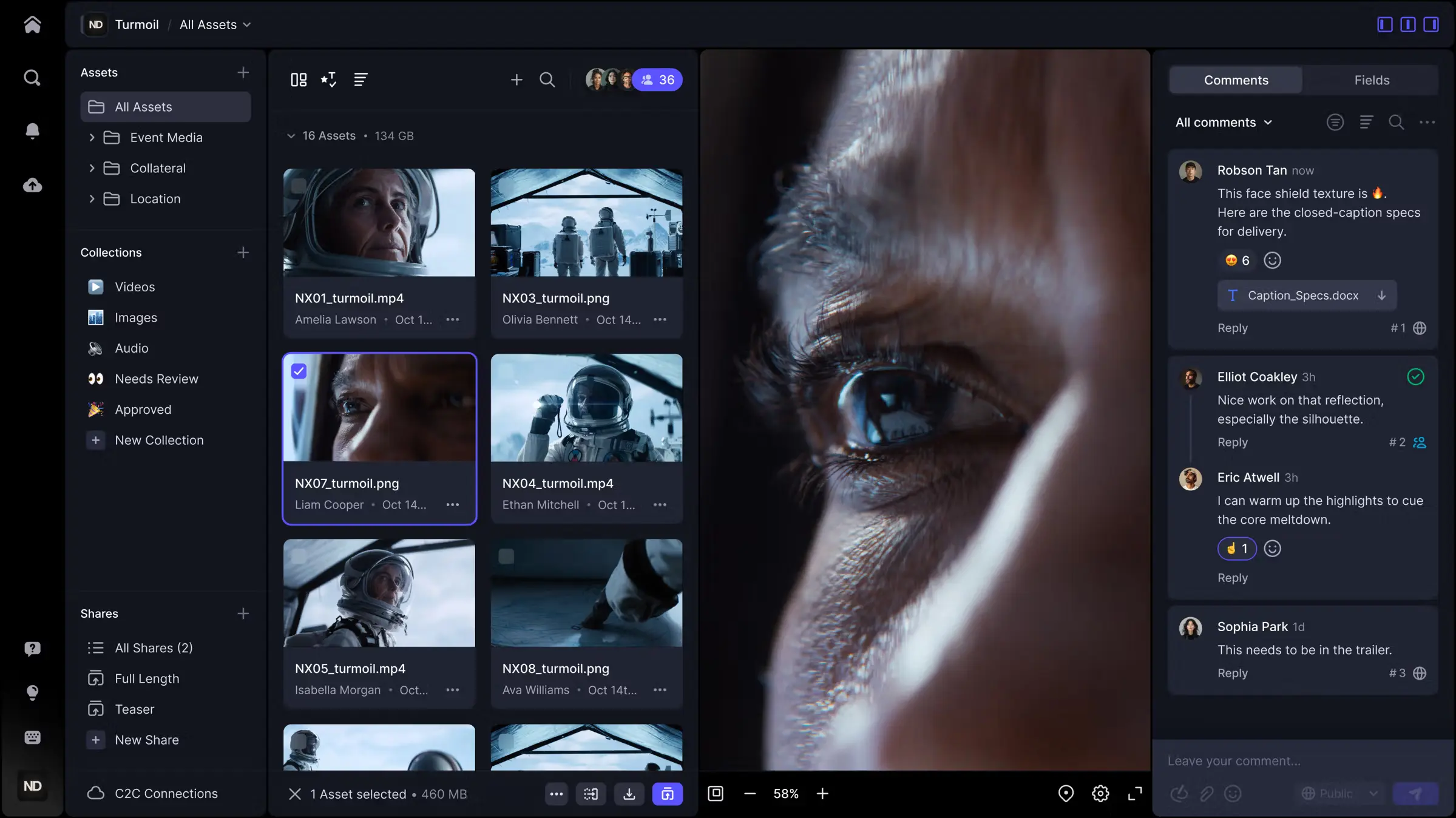
Video asset review by frame with Anchorpoint (works on all types of files)
Anchorpoint is a version control solution for the game development, animation, and visualization industries. Unlike traditional digital asset management systems (DAMs), It is fully compatible with Git, enabling the automation of asset pipelines while remaining accessible to non-technical users, such as artists. Major studios such as Supercell and Eyeline Studios (owned by Netflix) use it.
Pros: Focuses on artists with a simple UI, with video and models thumbnails and previous, tagging and reviews; includes file locking to prevent merge conflicts; allows for selective checkout of large projects; features a Python API for custom integrations.
Cons: No web-based version; does not host files (requires an existing Git server like GitHub or Azure DevOps to host files).
Price: Free for personal use; €20 per user/month for the Team plan (Free trial available).
Frame.io
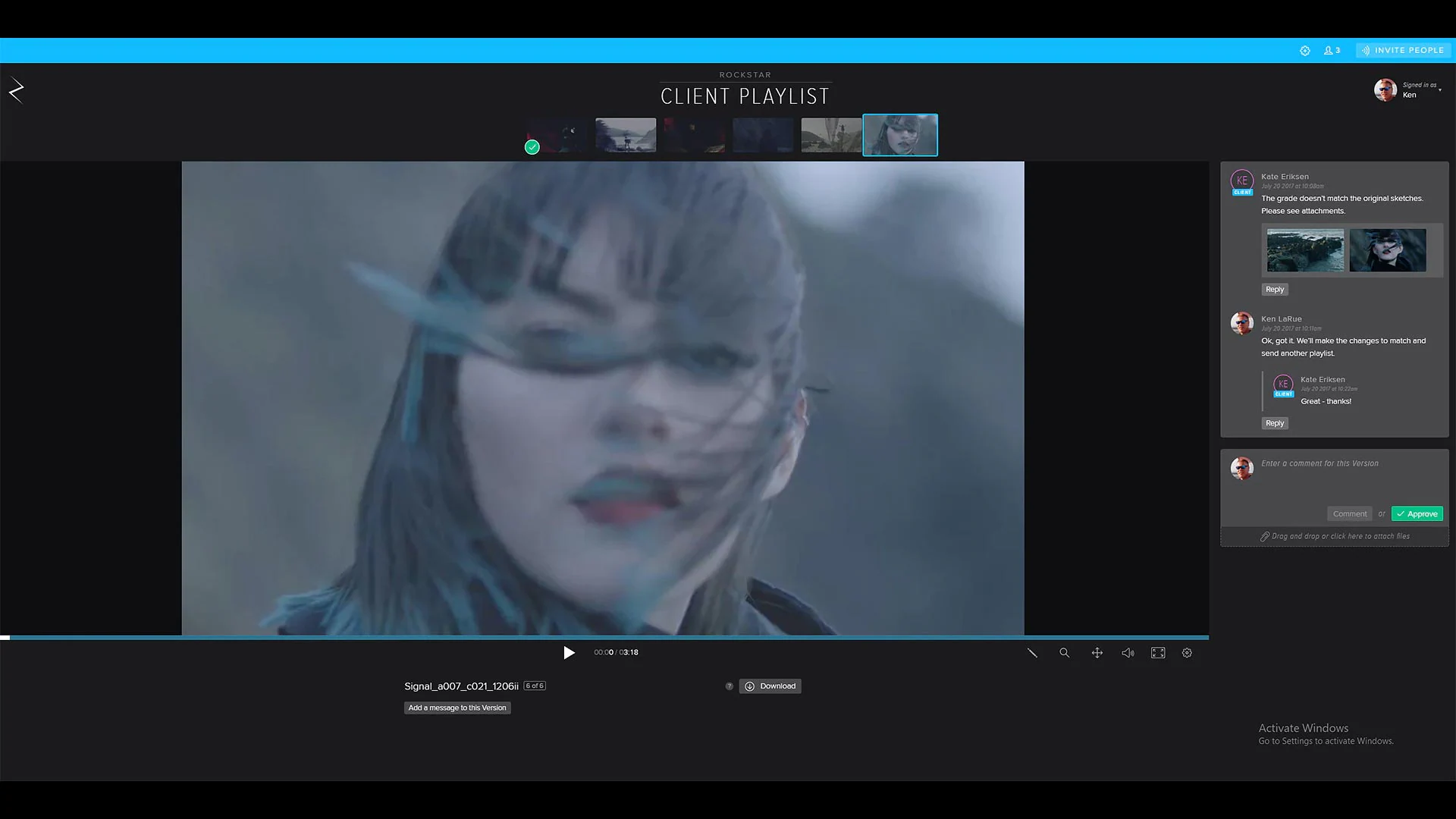
Asset review with Frame.io
Frame.io is the industry standard for cloud-based review and approval. Built to bridge the gap between production and post-production, it offers a centralized workspace for over 500 file types. Its "Camera to Cloud" technology is a game-changer for visual effects (VFX), enabling editors to receive footage almost instantly after a take is filmed.
Pros: Deeply integrated into Adobe Creative Cloud (Premiere Pro and After Effects); features frame-accurate commenting and automated transcription; high-speed file transfers optimized for large video files.
Cons: Storage limits on standard plans can be restrictive for high-resolution VFX sequences; per-seat pricing can become costly for large teams.
Price: $15/user/month (Pro) or $25/user/month (Team).
Cloudinary
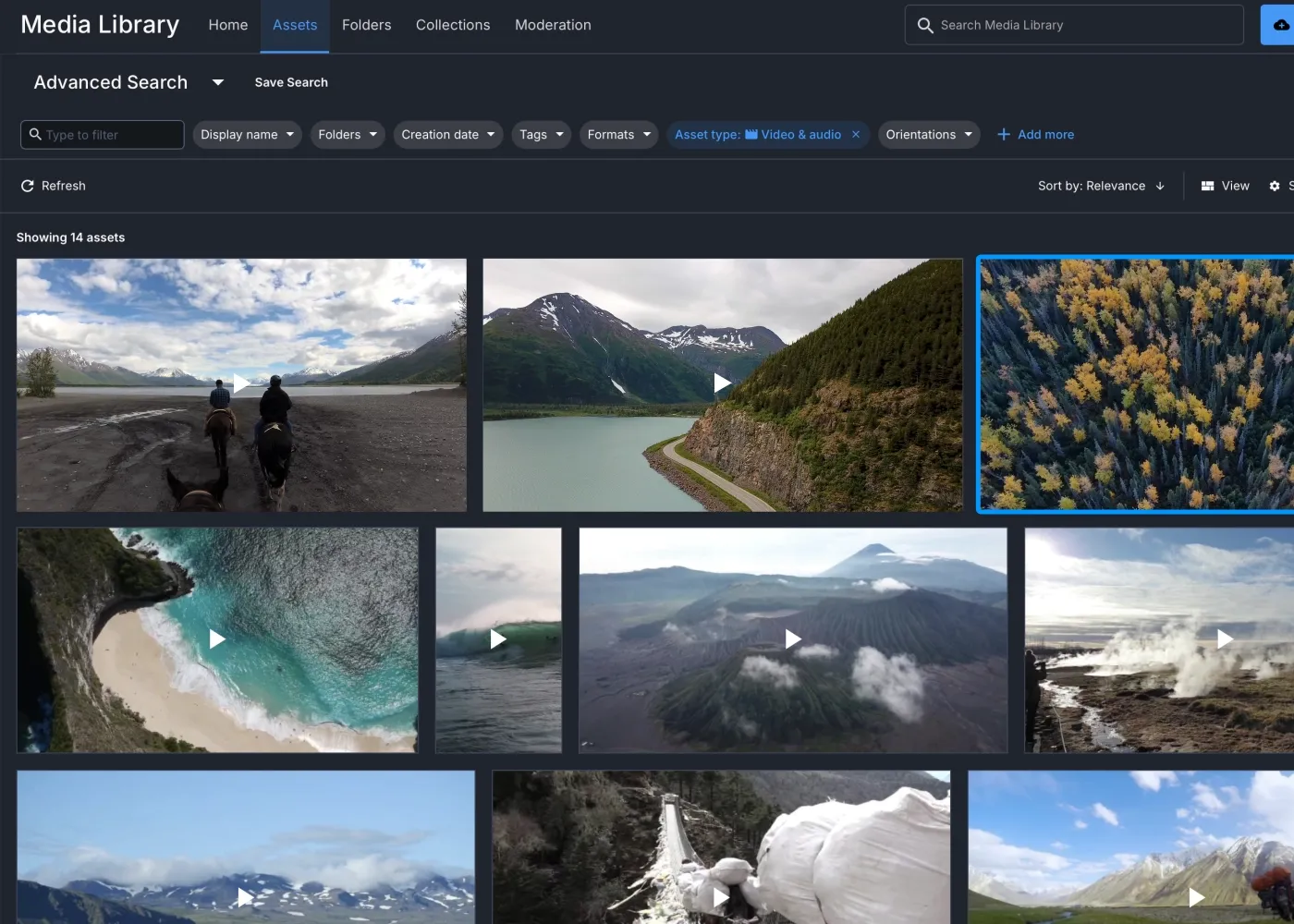
Managing video libraries in Cloudinary
Cloudinary is an API-first, cloud-based media platform for managing, transforming, and delivering images and video at scale. It's built for developers and marketing teams embedding media pipelines into apps and websites. Its strength is turning a central video library into optimized, format-adaptive streams that load fast on any device, making it a strong fit for teams whose assets ultimately live inside websites and apps.
Pros: API-first architecture with SDKs and upload widgets; automatic video transcoding and format-adaptive delivery; AI-powered auto-tagging and moderation; metadata management with bulk editing and approval workflows; generous free tier.
Cons: Not built for frame-accurate VFX critique or version control of heavy 3D scene files; oriented toward developers and marketing teams rather than boutique VFX pipelines.
Price: Free plan with 25 credits/3 users; Plus at $89/month annually ($99 monthly) for 225 credits; Advanced at $224/month annually ($249 monthly) for 600 credits; Enterprise custom.
Autodesk Flow Production Tracking (Formerly ShotGrid)
Video asset review with Flow Production
Formerly known as ShotGrid, Flow Production Tracking is a robust production management tool designed for large-scale studios. It unifies project tracking with the creative process, enabling managers to monitor shots and assets in real time.
Pros: AI-powered "Generative Scheduling" to optimize resource planning; deep integration with Maya, 3ds Max, and Unreal Engine; includes the RV tool for high-resolution, color-accurate desktop review.
Cons: Steep learning curve and complex setup; often seen as too "heavy" for smaller boutique or indie studios.
Price: Starts at $33/month (paid annually) and $50/month (paid monthly).
Connecter
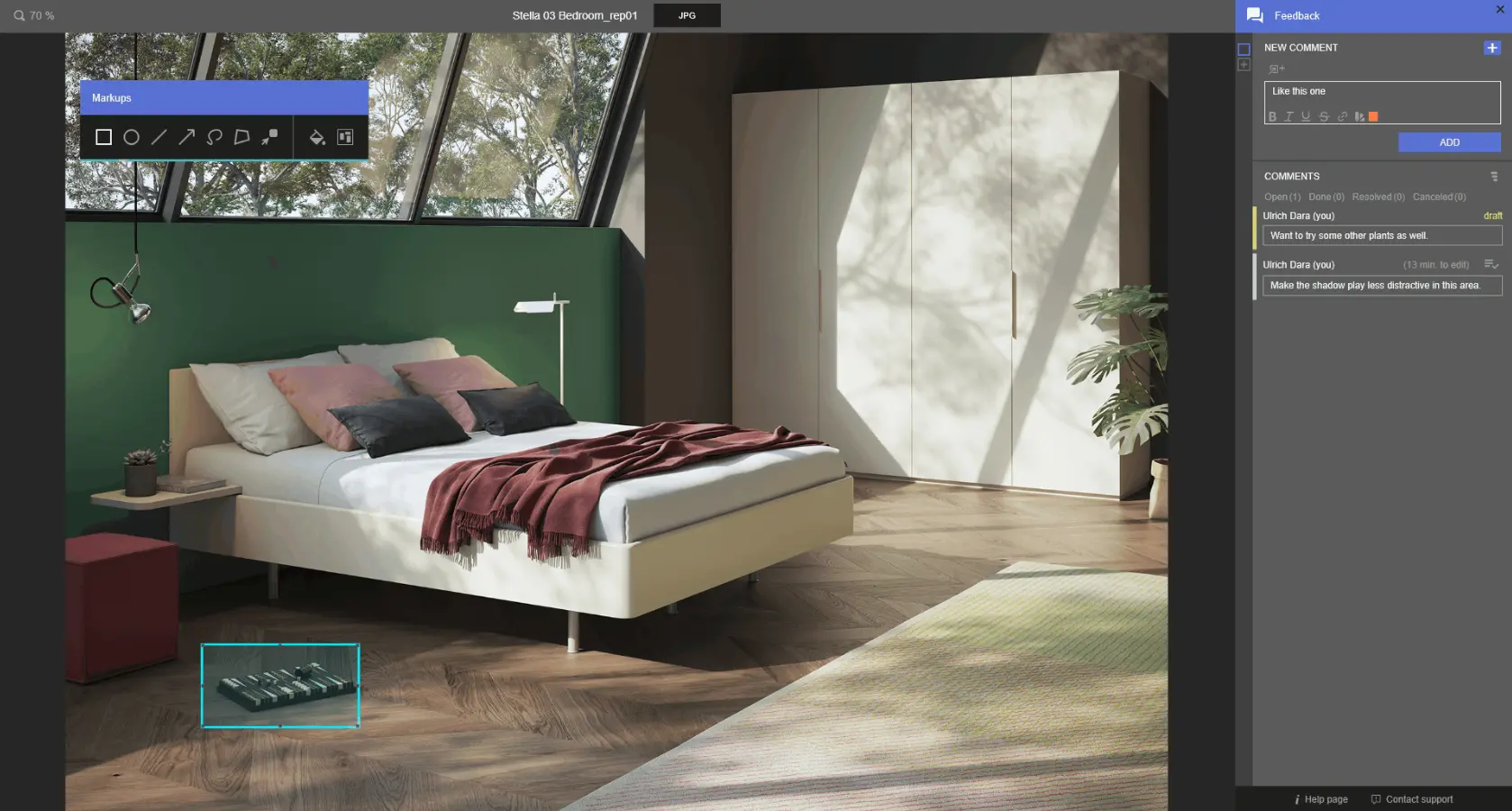
Scene review with Connecter
Connecter is a visual asset browser that helps 3D and VFX artists organize their local and network libraries without moving files to the cloud. Using a "Hybrid DAM" approach, it shares metadata and previews across a team while keeping the actual heavy files on local storage.
Pros: Works directly on top of your existing file system (no uploads required); provides a highly visual index for 3D models and image sequences; the personal version is free forever.
Cons: The "Suite" version for teams requires a subscription to access advanced features like AI-powered tagging and centralized metadata.
Price: Free for personal use; Connecter Suite starts at €4/month/user.
The importance of version control in Video Asset Management
Managing video assets is only half the battle. The other half is ensuring that your work is never lost. Integrating version control into your workflow prevents artists from accidentally overwriting each other's files. Unlike simple "versioning," which just stacks files, a solution like Anchorpoint maintains a complete, traceable history of every iteration. Since it is fully compatible with Git, it provides a "safety net" that allows artists to revert to any previous state of a VFX shot or 3D asset if the creative direction changes.
FAQ
What is the difference between a DAM and video asset management software?
A standard Digital Asset Management (DAM) system is often built for marketing teams and handles a wide variety of static files like PDFs or JPEGs. In contrast, video asset management software is specifically optimized for large video files and VFX workflows, offering features like frame-accurate playback, proxy generation, and image sequence support.
Does video asset management software host my files?
It depends on the tool. Cloud-native platforms like Frame.io host your files on their servers. Others, like Anchorpoint and Connecter, manage the metadata and organization while letting you choose your own storage, such as a local NAS, Dropbox, or a Git server.
Can these tools handle 3D models and image sequences?
Yes, most high-end software in this category (like Anchorpoint, SyncSketch, and Connecter) can preview 3D files (FBX/OBJ) and playback image sequences (EXR/PNG) as if they were standard video files.
What is "Hybrid DAM"?
Hybrid DAM, used by tools like Connecter, allows teams to experience the best of both worlds: ultra-fast access to local assets and optimized cloud storage for metadata and previews. This ensures remote collaboration is possible without the need to upload terabytes of raw video to the cloud.
Is version control better than basic file versioning?
Yes. Basic versioning simply keeps old copies of files. True version control (like in Anchorpoint) tracks the entire project history, handles file locking to prevent conflicts, and allows for branching and merging, which is essential for collaborative game development and VFX pipelines.