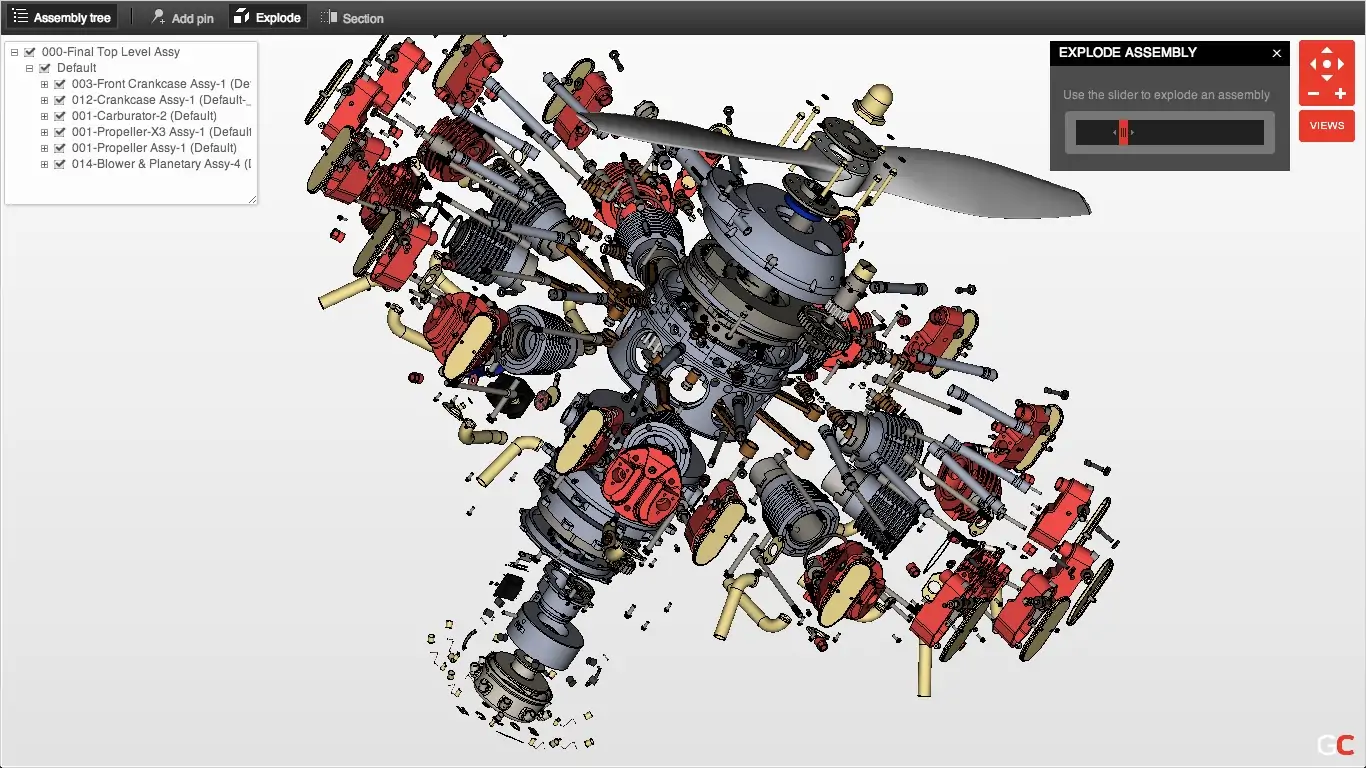
Explore some of the best alternatives to the now-retired GrabCAD Workbench.
George Neguceanu
18 Jun 2026
Updated on
06 Jul 2026
6
min read
Content
TL;DR: GrabCAD Workbench was retired because its parent company, Stratasys, shifted focus entirely to 3D printing software. If you're looking to fill that gap, the best alternative depends entirely on how your team works:
Go with Anchorpoint if you are building robotics or IoT hardware. It's easy to use and has file locking. Since it runs on Git, your hardware engineers and software developers can manage code and CAD in the same workspace.
Go with Onshape if you want to ditch local desktop files entirely and design directly in a web browser with real-time, Google Docs-style collaboration.
Go with CAD ROOMS if you want a direct, 1-to-1 replacement for GrabCAD that keeps your existing desktop CAD programs but adds modern cloud file locking and visual version tracking.
Go with OpenBOM if you are a startup moving fast into production and need your CAD files to automatically generate inventory spreadsheets and procurement data for manufacturers.
If you've spent time working in a hardware startup, a university design team, or a mid-sized engineering shop in the last decade, then you probably have a soft spot for GrabCAD Workbench. It set the gold standard for effortless, no-nonsense CAD file sharing.
Why did everyone love it? Simple. It was completely free and cloud-native, and it required zero IT setup. There was no need to set up an expensive on-premises PDM (product data management) server or navigate enterprise bureaucracy to avoid accidentally overwriting your teammate's SolidWorks assembly. With clean in-browser 3D viewing, desktop sync, and simple markup tools, it provided smaller teams with just enough structure to avoid chaos while avoiding excessive administrative overhead. Then Stratasys pulled the plug.
GrabCAD Workbench officially went offline in June 2023. Stratasys, the 3D printing giant behind the platform, made a strategic pivot to focus entirely on additive manufacturing software, such as GrabCAD Print and GrabCAD Shop. Workbench had been operating without a dedicated development team for years, so Stratasys ultimately shut it down to free up engineering resources.
If you are looking for a modern replacement to manage your hardware pipeline, there are now several options available. Here are our top four alternatives to fill the GrabCAD-shaped hole in your workflow.
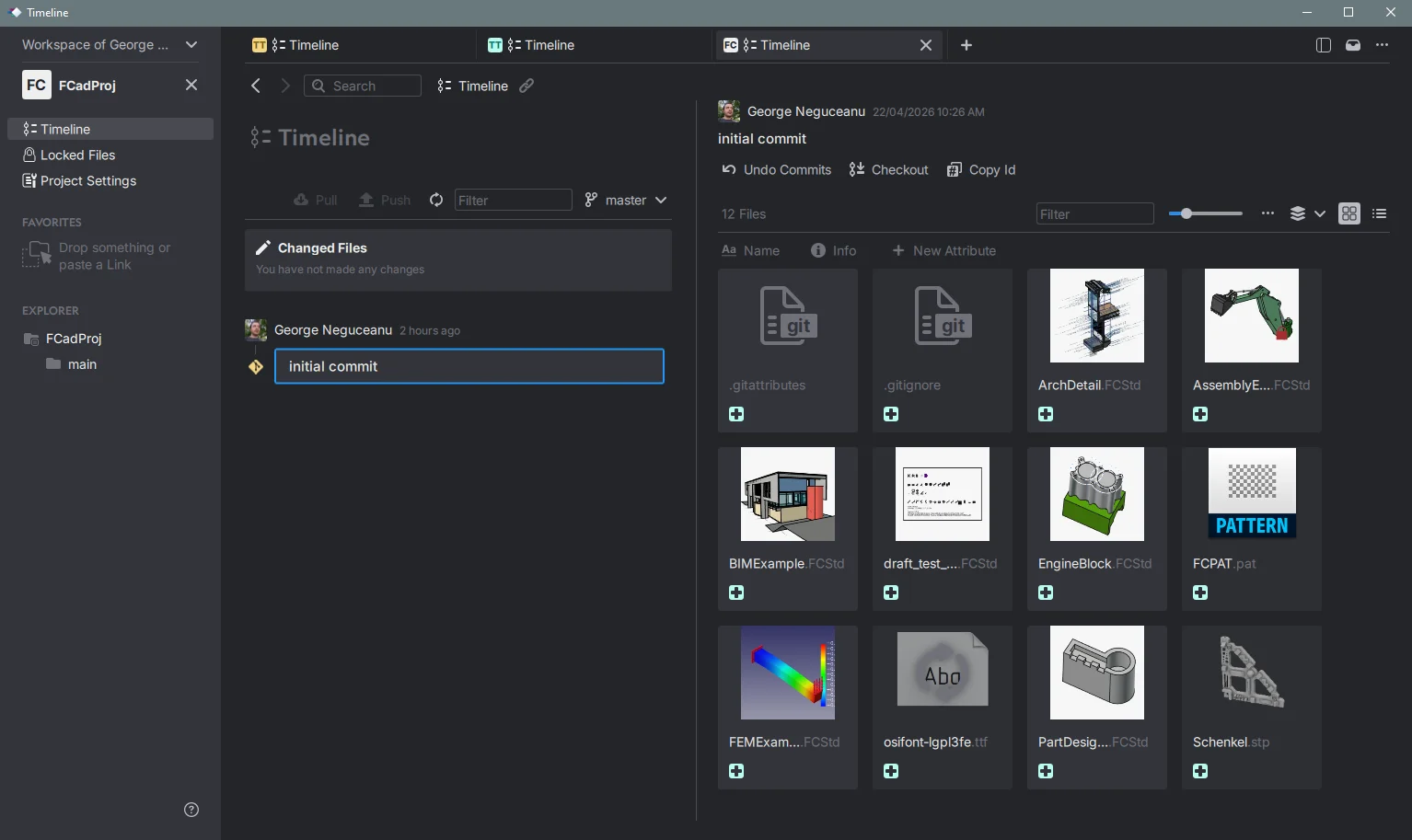
Anchorpoint
If your team works with a combination of moving parts and active code, Anchorpoint could be just what you need. Unlike clunky industrial corporate tools from the late '90s, it offers a fast, clean visual interface for asset version control.
If you're developing complex products that combine software and physical components, such as robotics, smart home IoT, or drones, your software developers are likely already familiar with Git. Anchorpoint enables your hardware team to use the same repository infrastructure as your software team. Hardware engineers get a gorgeous, fail-safe graphical app with simple push/pull buttons, while software engineers can natively track everything. Anchorpoint beautifully bridges the communication gap between disciplines.
Pros:
No vendor lock-in: Your files live in industry-standard Git repositories (GitHub, GitLab, Azure DevOps), not a proprietary cloud silo.
Real file locking: Prevents team members from editing the same CAD assembly simultaneously and creating messy conflicts.
Highly visual: Generates crisp local thumbnails, timelines, and quick asset previews.
Cons:
Lacks traditional downstream PLM tools out of the box (like native automated Bill of Materials cost roll-ups).
Traditional mechanical engineers who are terrified of Git concepts might experience a small initial learning curve.
Pricing: Free for personal, non-commercial use. Commercial Team plans cost €20 (around $22) per user per month.
Onshape
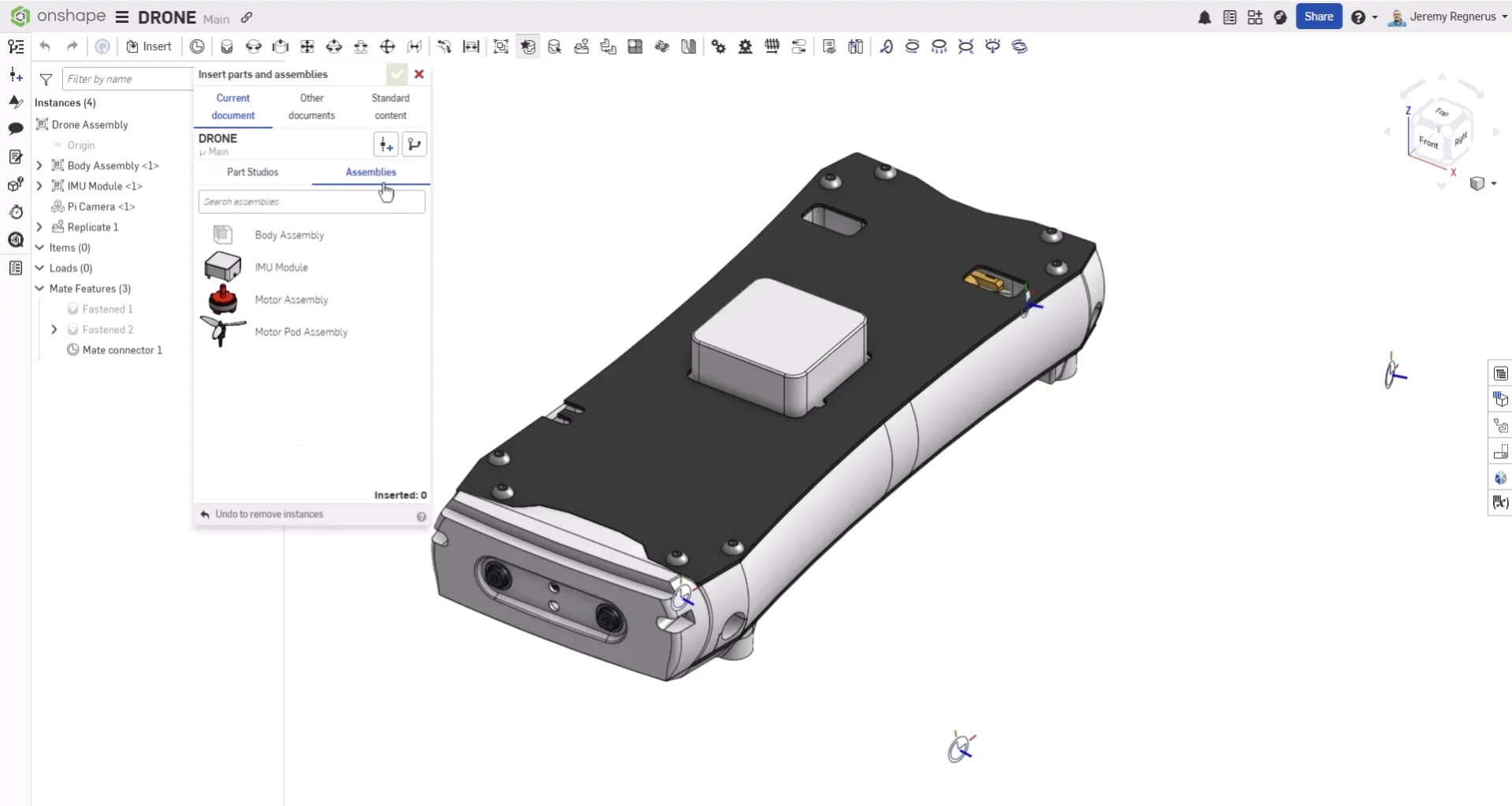
If you're ready to abandon traditional local files, desktop installations, and sync issues altogether, take a look at Onshape. Built by the founders of SolidWorks, Onshape is a fully browser-based CAD ecosystem.
Pros:
Built-in data management: Because every single design live-updates in the cloud, version control, change history, and release management are built right into the platform.
True real-time collaboration: Multiple designers can work inside the exact same assembly simultaneously, think Google Docs for 3D modeling.
Hardware friendly: Runs smoothly in a standard browser window, meaning you do not need a massive $5,000 dedicated Windows engineering workstation to design parts.
Cons:
Strict vendor lock-in: You cannot use Onshape as a standalone manager for your local SolidWorks, Inventor, or Creo files. You must migrate your actual daily modeling into their toolset.
No internet connection means absolute zero access to your active design files.
Pricing: Has a free plan for non commercial use, where commercial tiers are billed strictly on an annual cycle, starting at $1,500 per user / per year for the Standard plan, and climbing to $2,500 per user per year for the Professional tier (which unlocks formal release management and approval workflows).
CAD ROOMS
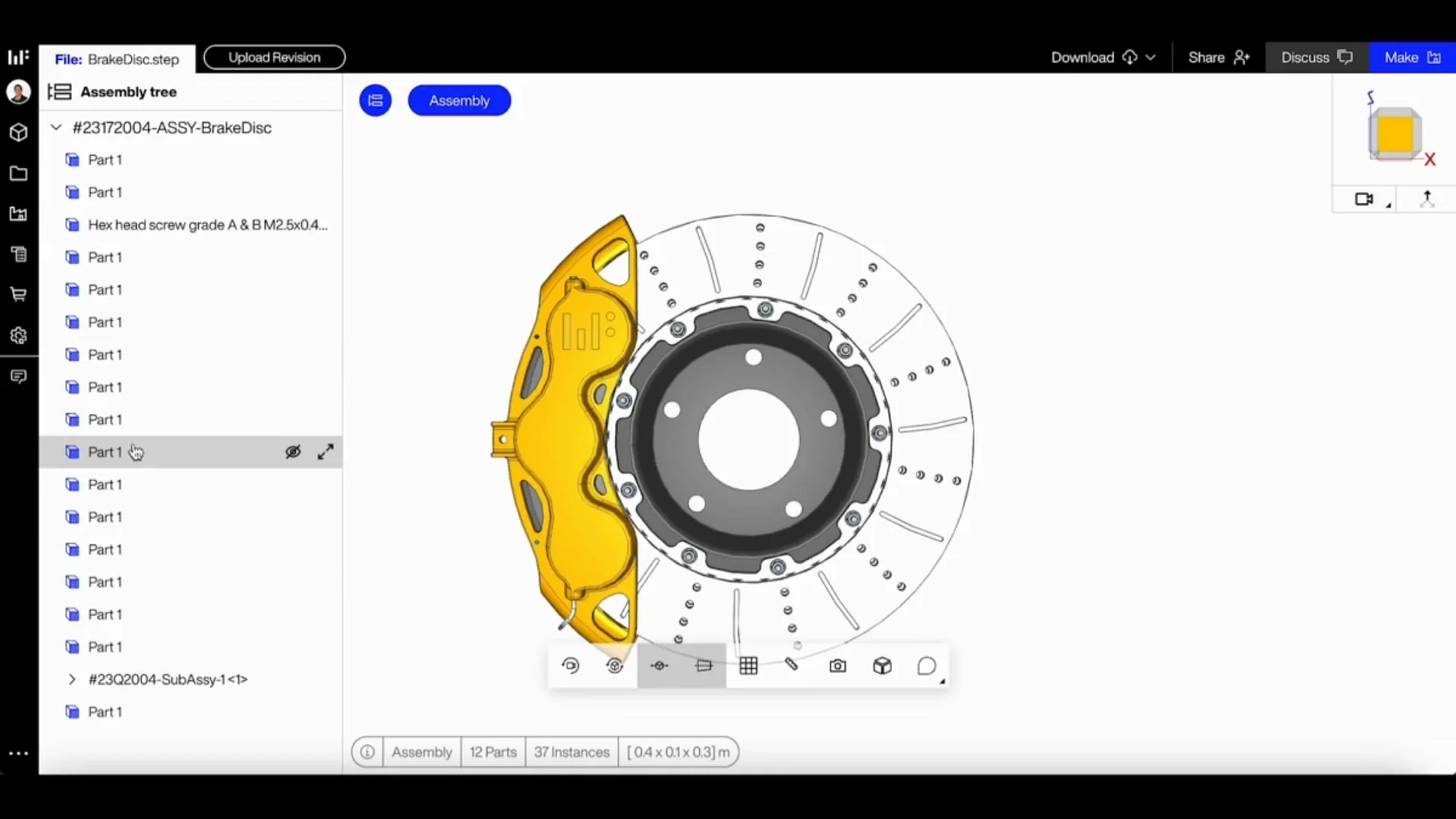
If you want a modern reincarnation of GrabCAD Workbench, a cloud platform that allows you to use your existing desktop CAD software while taking over file vaulting and versioning, CAD ROOMS was built for you.
Pros:
True multi-CAD freedom: Natively supports more than 35 distinct CAD formats. You keep using your favorite design tools without a forced data migration.
Modern engineering features: Ships with cloud-based CAD diffing (visually highlighting exactly what geometric changes occurred between revisions), release pipelines, and item tracking.
Extremely quick setup that requires no corporate database management or dedicated IT expertise.
Cons:
As a newer platform on the block, its deep enterprise software integration library is still expanding compared to decades-old legacy suites.
Pricing: Features a straightforward subscription model starting at $75 per user / per month for the basic Team plan, scaling to $150 per user per month for the Business tier which unlocks full change orders and advanced permissions.
Autodesk Vault
If your engineering team lives inside Autodesk tools like Inventor, AutoCAD, or Revit, Vault acts as a natural extension of your workflow. It handles the heavy lifting of Product Data Management (PDM) behind the scenes tracking complex CAD file relationships, enforcing strict revision rules, and automatically churning out PDFs or STEP files every time a designer checks in their work.
Pros:
Deep Native Integration: Offers built-in tools tailored for CAD managers, including "copy-design" functions, "where-used" dependency lookups, and native Bill of Materials (BOM) management.
Zero-Cost Entry Point: If you already pay for the Product Design & Manufacturing (PD&M) Collection, Vault Basic is already included in your subscription.
Bulletproof Versioning: Keeps 2D and 3D design data secure with highly reliable file locking, preventing team members from accidentally overwriting each other's work.
Cons:
Strictly an Autodesk Silo: If your team uses mixed CAD tools (like SolidWorks) or needs to loop in software engineers, Vault can feel incredibly restrictive and isolated.
The "Pro" Tax: Upgrading to the full-featured Vault Professional requires steep separate licensing fees and usually demands a dedicated IT administrator to deploy and maintain it.
Tethered to the Office: True cloud collaboration feels like an afterthought. The system is fundamentally built to run best on a local network or over a traditional VPN.
Pricing:
Vault Basic: Included at no extra charge with an Autodesk PD&M Collection subscription (starts at 99$ user per month).
FAQ
Why did Stratasys discontinue GrabCAD Workbench?
Stratasys shifted its focus to 3D printing tools like GrabCAD Print and GrabCAD Shop. Since Workbench had been operating without a dedicated development team for years, Stratasys officially retired it in June 2023 to free up engineering resources.
What makes Anchorpoint uniquely suited for mechatronics and robotics teams?
It solves the classic communication barrier between hardware and software engineers because it is built entirely on Git infrastructure. Since your software developers already use Git to manage code, Anchorpoint provides the hardware team with a clean, visual desktop application for version control of massive 3D CAD files on the same backend. This way, everyone stays on the same page without forcing mechanical engineers to learn command-line code.
How does CAD ROOMS differ from Onshape as a GrabCAD alternative?
CAD ROOMS is a direct replacement for GrabCAD Workbench. You can keep your local desktop CAD software, which supports over 35 formats, and gain a modern cloud vault for tracking versions, locking files, and visually comparing geometric changes. In contrast, Onshape requires you to abandon local software entirely and move your design workspace into a web browser.
Do any of these modern alternatives offer a free tier?
Yes, Anchorpoint has a free Personal tier for individual, non-commercial use. This tier includes local Git version control and asset browsing. However, if you need collaborative features for a team, such as multi-user file locking, administrative permissions, or formal release management, you will need to upgrade to a paid plan.