Discover how modern version control can streamline your CAD data management, unite hardware and software workflows, and make collaboration seamless for your entire team.
George Neguceanu
19 Oct 2026
Updated on
19 Oct 2026
6
min read
Content
If you write code, you probably use Git every day without giving it a second thought. But when you look over at your mechanical engineering team, the reality is entirely different. Instead of clean repositories, you see SharePoint links, shared Google Drives, and manual file naming conventions.
While you are comfortable with branching and committing, your teammates view the command line as an insurmountable obstacle. As a result, your team relies on ad hoc workarounds, manual backups, and a chaotic collection of files, leaving you to wonder why CAD data management feels stuck a decade behind software development.
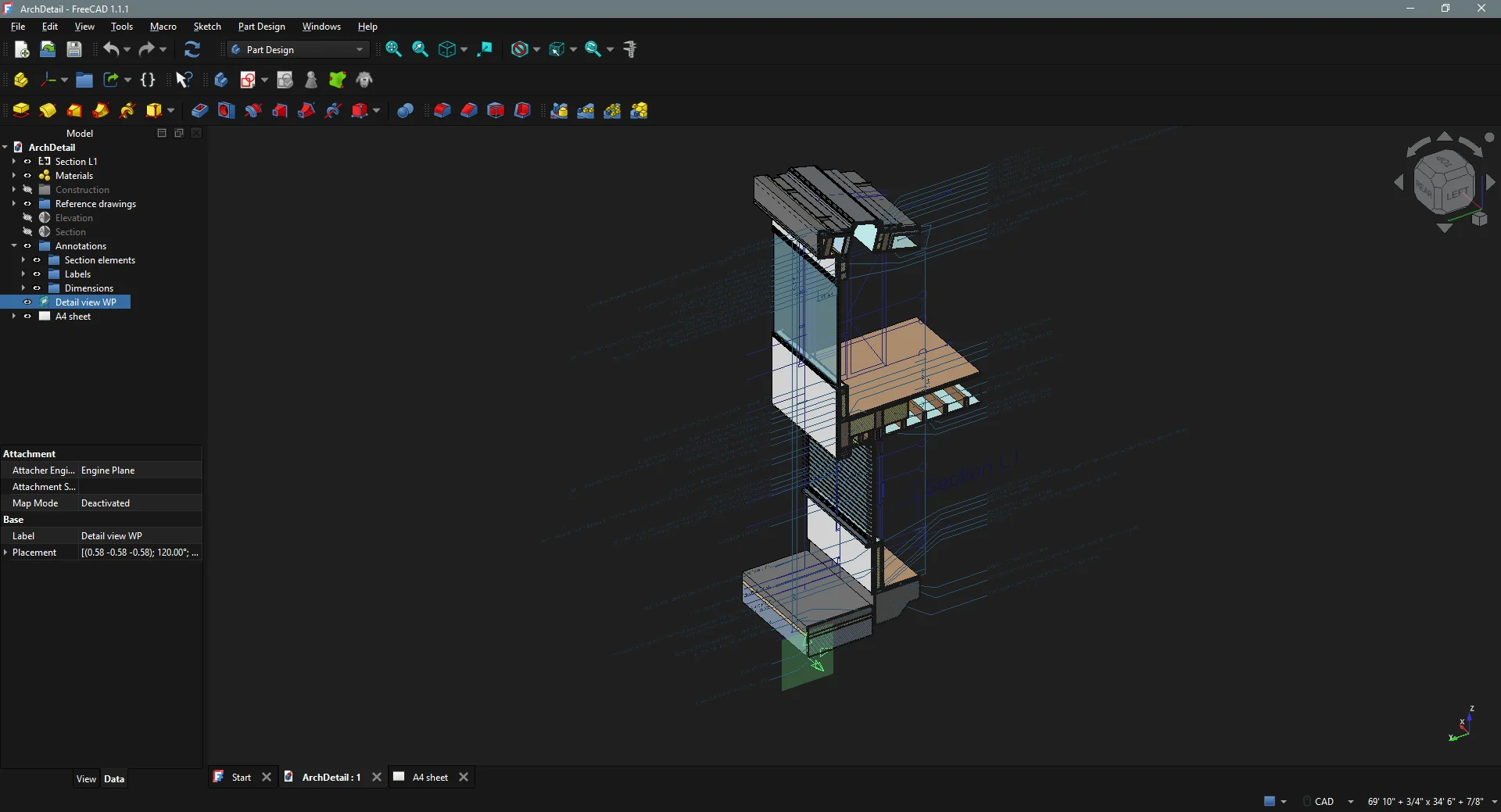
FreeCAD ArchDetail project
1. The Cost of SharePoint and Naming Chaos
Traditional file-sharing tools such as SharePoint, OneDrive, and Google Drive were not designed for complex engineering data. These tools operate on file-by-file history rather than project-wide snapshots.
The Naming Trap: Teams often resort to manual workarounds. For example, they write versions, dates, and initials directly into file names. One team might save my_part_master.sldpart as the master file for my_part_v23.sldpart.
The Overwrite Risk: Cloud drives sync the last saved version, which can lead to silent overwrites and broken assembly references when someone modifies a shared component without warning.
The Administrative Overhead: Although traditional product data management (PDM) systems promise a solution, they often bring excessive server maintenance, high costs, and heavy administrative burdens that slow down fast-moving iterations for many small to mid-sized teams.
2. Why Version Control Is More Than Enough
You don't need a bloated, monolithic PDM system to securely manage your CAD data. A proper version control solution can handle mechanical designs and completely eliminates outdated habits, such as maintaining manual master files. With version control, your file names stay clean and consistent. You no longer need to save a backup of my_part_v23.sldpart as my_part_master.sldpart because the history is safely stored in the system. A single commit captures an entire assembly and all its referenced parts in their exact state, ensuring that an old assembly always opens with the precise component versions with which it was built.
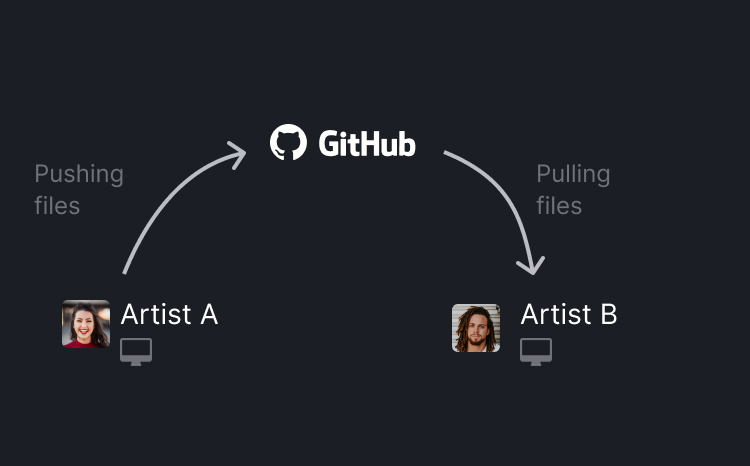
Version control basics
Insights from engineering teams show a recurring theme: teams do not want heavy, enterprise-grade PLM features; they simply want a reliable vault where they can collaborate without overwriting each other's changes or passing files back and forth over email.
3. Code and 3D Designs in One Place
Unmanaged files often sit right next to CAD files in the workspaces of modern engineering teams. These files include print files, milling instructions, documentation, and firmware. All code and 3D designs are in one place. No matter what you work on, whether hardware or firmware, everything is inside one system.
A single repository can capture CAD files, documents, print data, and firmware simultaneously, aligning mechanical milestones with software and electronics pipelines.
4. Branching Instead of Making Copies for Design Variants
In a traditional file-sharing setup, exploring a new design variation typically involves saving an entirely new copy of the file (e.g., part_v2_optionB.sldprt). This creates clutter in folders and breaks references.
Experiment freely: Branching gives you a dedicated workspace to test design variants without altering the stable production files.
Cleaner workflows: Instead of maintaining messy file copies, teams can use branches to experiment safely and merge successful ideas back when ready.
5. Git Can Handle Large Files (Git LFS)
A common misconception among engineers is that Git is strictly for text files and source code. In reality, Git handles large binary files seamlessly through Git LFS (Large File Storage).
Just like game development studios manage terabytes of 3D assets and textures using Git and binary management tools, CAD teams can leverage the exact same architecture. This unlocks a unified workflow for file management, collaboration, firmware code, and CAD designs all in one place.
6. Bridging the Gap: Managing CAD Without the Command Line
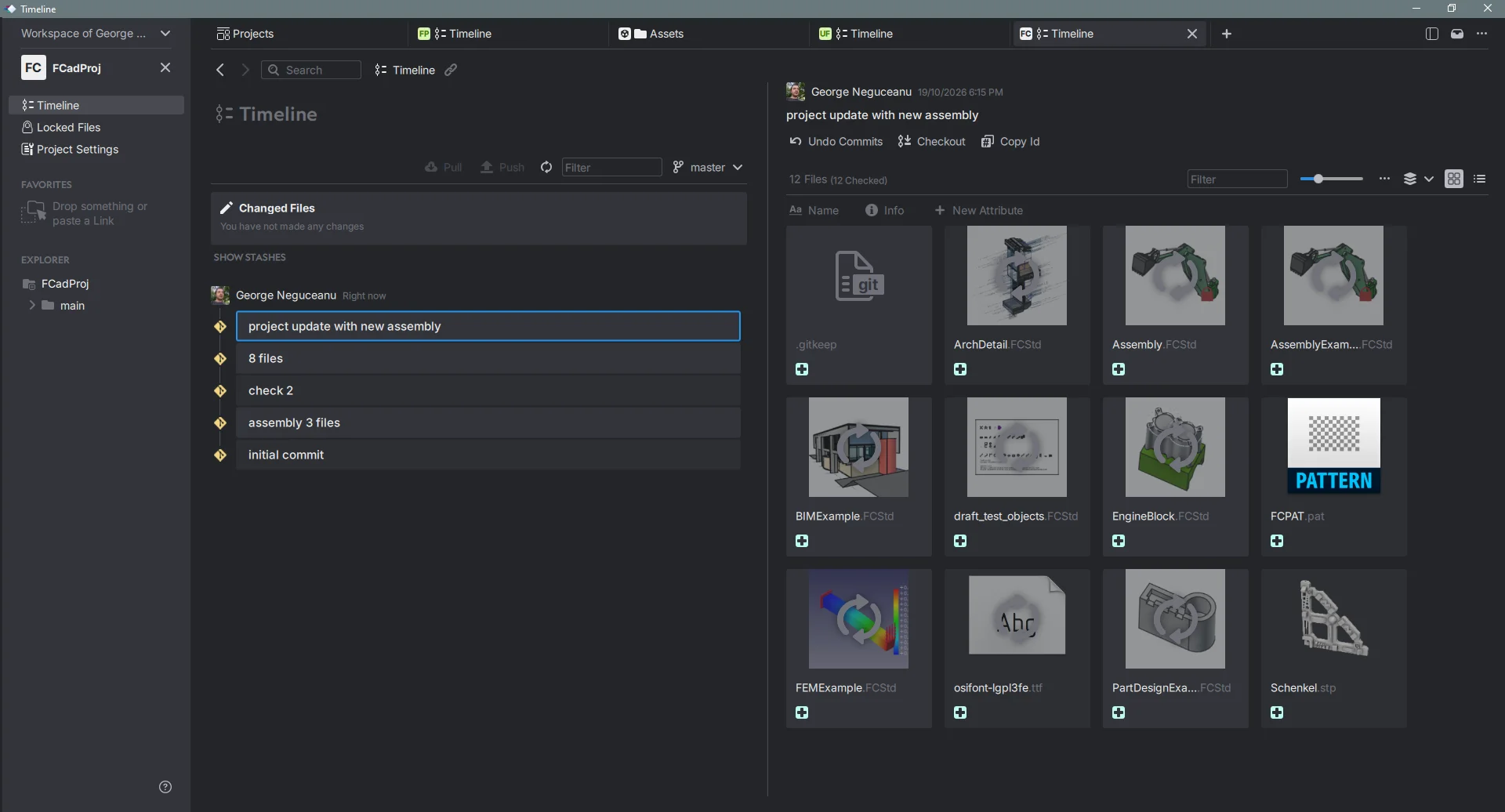
A CAD project history within Anchorpoint
If you are familiar with Git, you can use it with ease. However, your team members, who may be mechanical engineers, designers, or manufacturers, should not have to learn Git commands, deal with merge conflicts, or worry about staging areas. They just want to save their work.
This is where Anchorpoint serves as a powerful solution for CAD data management:
Easy to use tools: In contrast to traditional PDM systems, version control solutions like Anchorpoint provide essential version control capabilities without hindering engineers. You have access to many compatible Git solutions and can host files on your own servers or on platforms such as GitHub, Azure DevOps, and GitLab.
Built for CAD: It handles Git LFS automatically in the background and introduces critical features missing from raw Git, such as automatic file locking to prevent two people from editing the same binary part simultaneously. It integrates directly with tools like SolidWorks and Blender, ensuring your team can manage revisions, track changes, and tag manufacturing milestones with ease.
Accessible interface: It bridges the exact same skill gap seen with artists in game development, providing a visual interface with file previews so non-technical team members can manage revisions and tag manufacturing milestones with ease.
Conclusion
Managing CAD data doesn't mean abandoning modern workflows or adopting overly complicated enterprise software. Treat your CAD assemblies like code repositories by utilizing stable filenames, robust version control, and tools built for nontechnical teammates. This will help you eliminate SharePoint chaos and bring your entire engineering workflow into sync.