Releasing Anchorpoint for Lore
Anchorpoint for Lore – a fast, visual desktop client for Epic's new version control system
September 21, 2026
3
min read

TL;DR: Siemens Teamcenter is an enterprise powerhouse, but its high cost, complex deployment, and steep learning curve can be total overkill for mid-sized teams. Here is the quick cheat sheet on the top alternatives depending on what your team actually needs:
Those with experience in large-scale manufacturing, automotive, or aerospace industries are aware of the logistical nightmare that can result from keeping track of every single revision, bill of materials (BOM), and CAD file. That’s where product lifecycle management (PLM) software comes in. For years, Siemens Teamcenter has been the undisputed giant in this field, the heavy-duty "digital thread" that connects initial design to actual manufacturing.
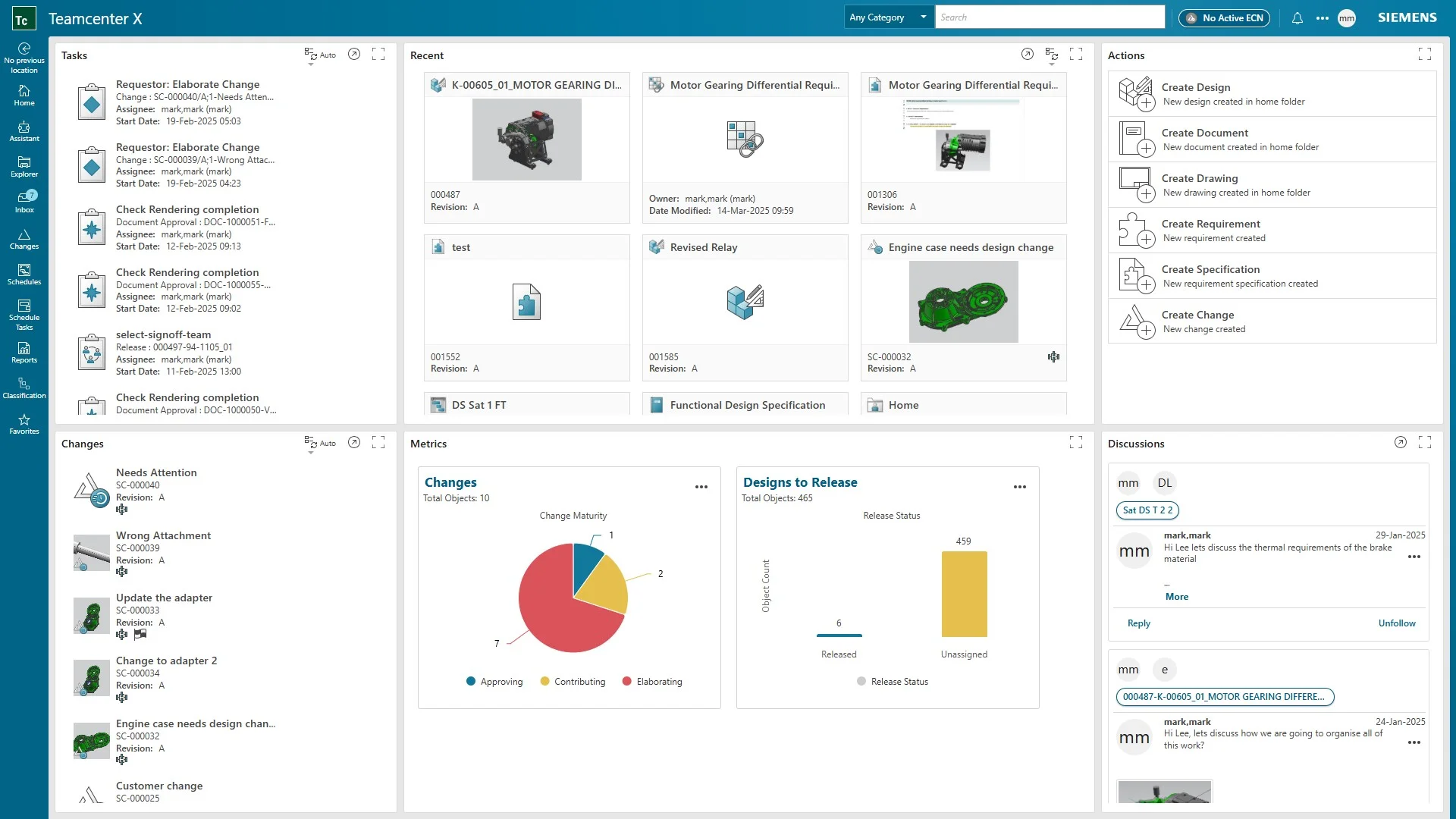
However, Teamcenter can sometimes be overwhelming. Deploying, configuring, and maintaining it can require a small army of specialists, and the user interface can sometimes make you feel like you’re trying to pilot a space shuttle when you just want to run a simple engineering change order.
Looking for a Change?
If you are a growing midsized company or your team is feeling overwhelmed by complex infrastructure, you may be wondering what other options are available. The engineering data landscape has evolved dramatically. Cloud-native architectures, simpler version control systems, and free alternatives are challenging the status quo.
If you're ready to explore your options, here are five Teamcenter alternatives available on the market today.
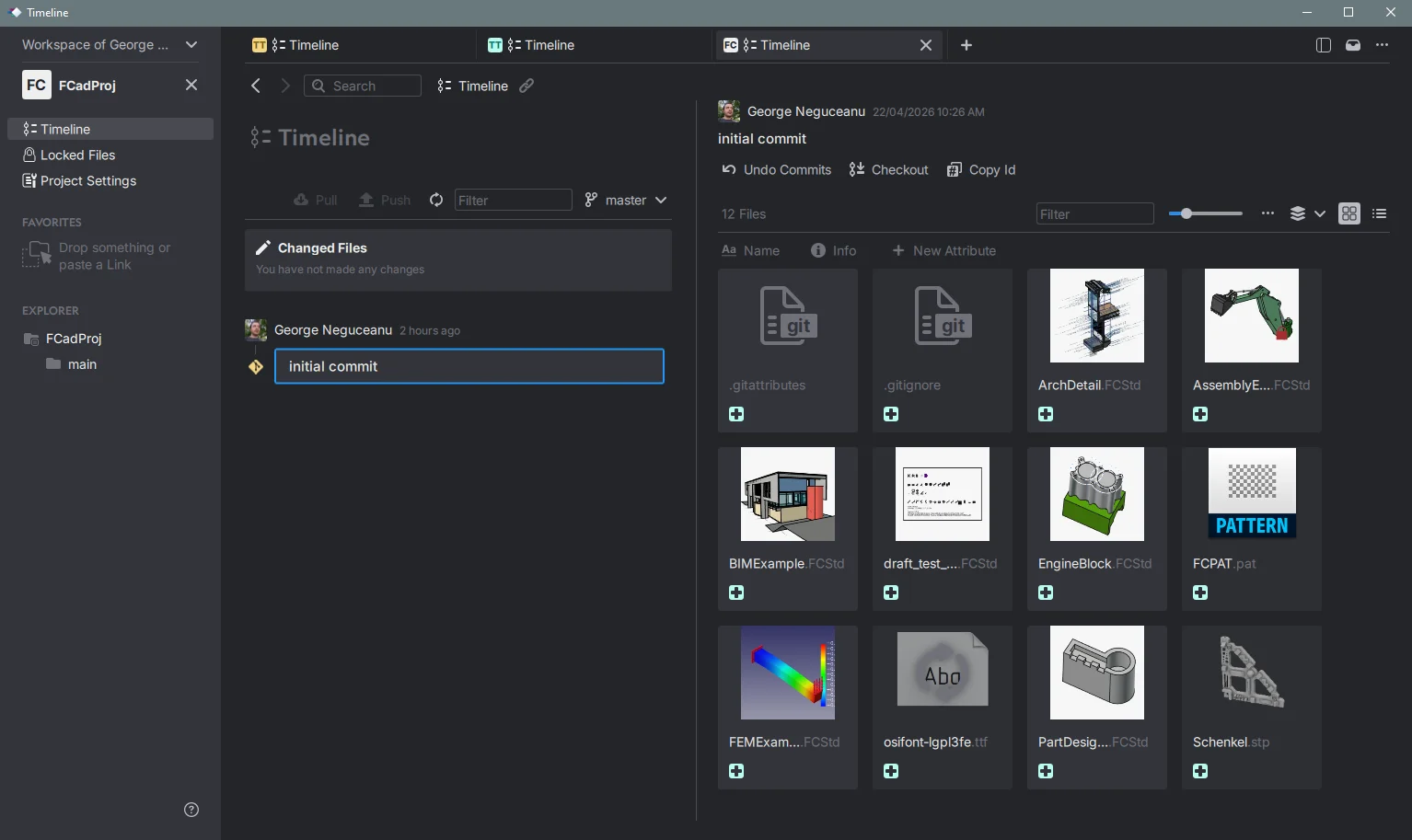
Let's start outside the box. Anchorpoint is explicitly not a traditional PLM system, it’s a lightweight asset management and Git-based version control tool built for 3D, PCB creators and game developers. So why is it on this list? Because a huge percentage of teams use Teamcenter only as a glorified vault to stop engineers from overwriting each other's SolidWorks, Blender, or 3ds Max files. If that's you, a heavy PLM is absolute overkill. Anchorpoint acts as a visual file browser that handles massive binary engineering files effortlessly.
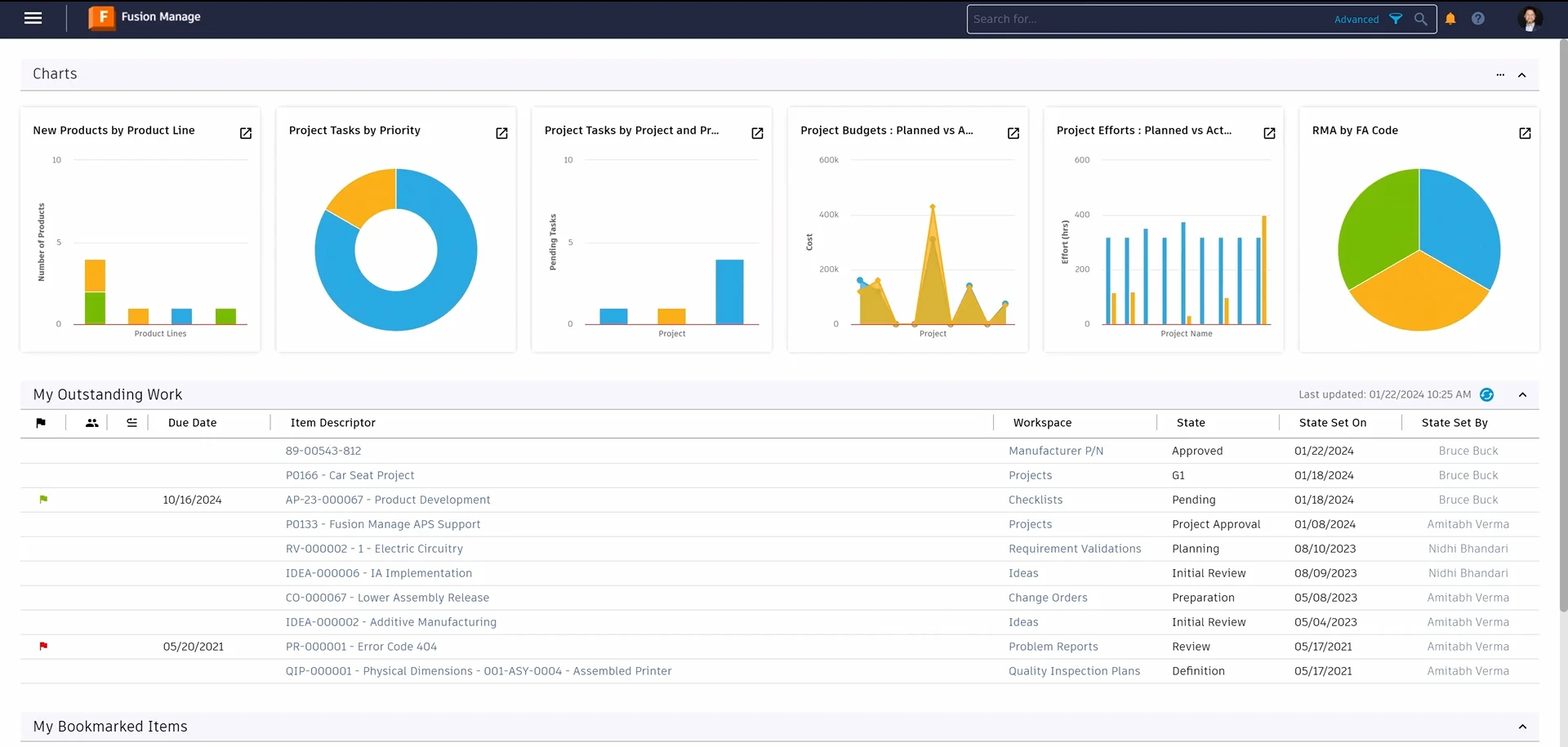
If you want a true PLM but Teamcenter is a commercial airliner, Autodesk Fusion Manage is a nimble private jet. It is built entirely in the cloud and is specifically designed for Small and Mid-sized Businesses (SMBs) that want to get up and running without a six-month implementation phase.
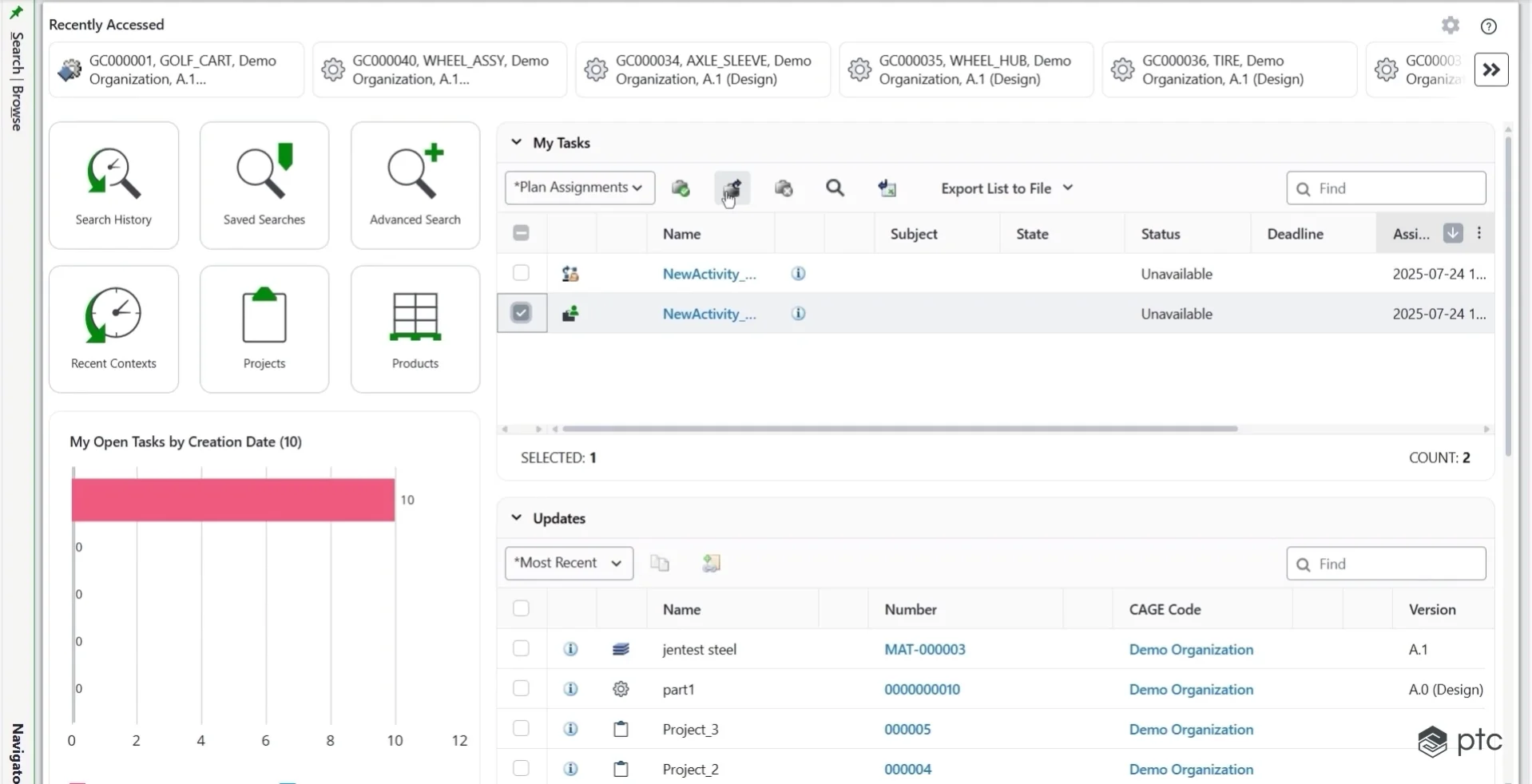
If you actually need Teamcenter's raw enterprise muscle but you just want a different flavor of governance, PTC Windchill is the most direct head-to-head competitor. It is the powerhouse "engineering memory" for massive companies. It integrates flawlessly with PTC Creo, but it also handles multi-CAD data from SolidWorks and CATIA like a champ.
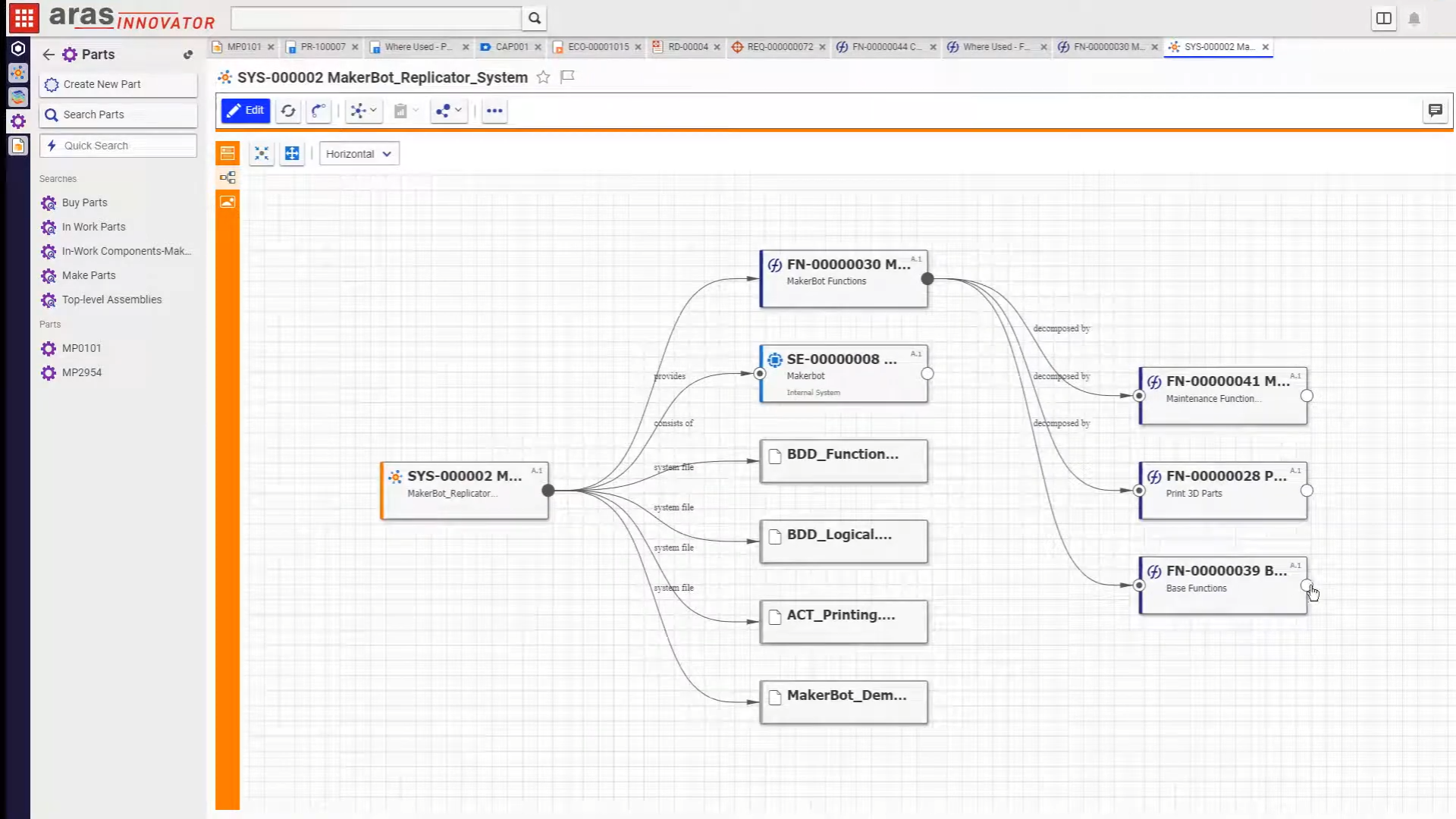
Aras Innovator takes a completely unique, highly disruptive approach. It is built as an open, low-code platform. Instead of forcing you into a pre-packaged box, Aras gives you an incredibly flexible architecture to build, customize, and adapt your PLM environment exactly how your business operates.
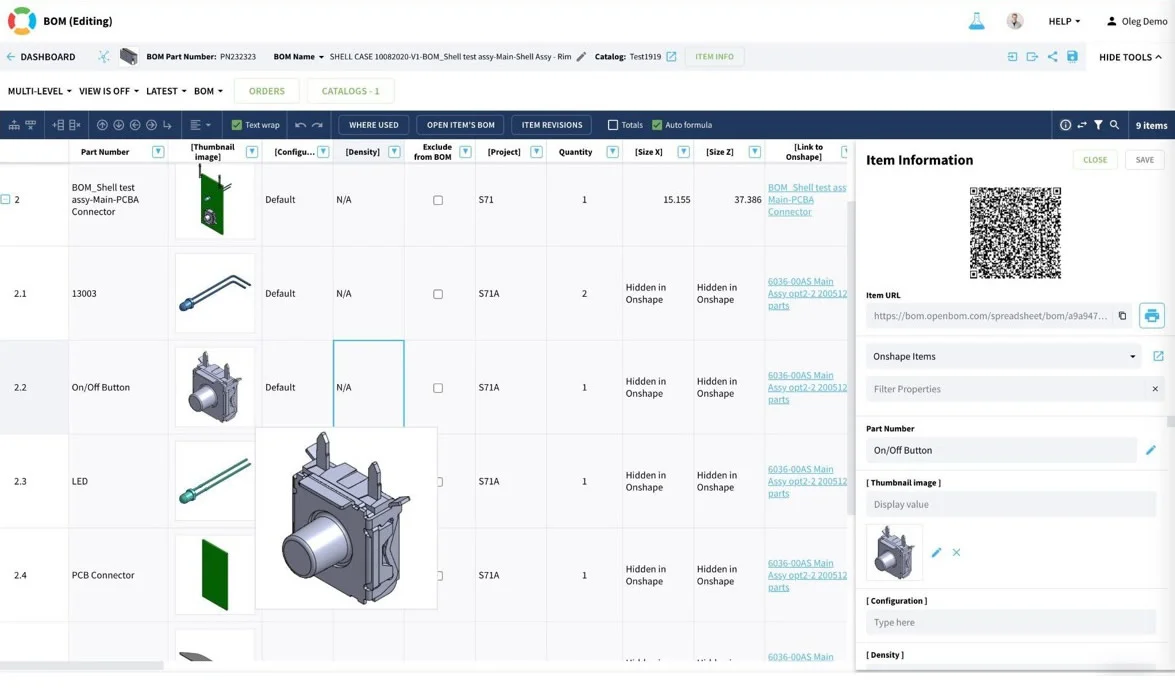
If your primary frustration with Teamcenter is how hard it is to simply build, share, and update a Bill of Materials, OpenBOM is a fantastic alternative. It is a cloud platform that strips away the heavy server architectures of old-school PLM and focuses heavily on data continuity and spreadsheets that actually sync with your CAD.
Choosing the right PLM isn't about finding the "best" software on paper, it's about finding the one that matches the rhythm of your engineering team.
If you are a massive operation handling incredibly complex physical assemblies, moving to PTC Windchill keeps that institutional power alive. If you just need a clean place to lock files and stop people from ruining CAD revisions, tools like Anchorpoint will save you thousands of dollars and endless headaches. Meanwhile, cloud-forward options like Autodesk Fusion Manage or a free start with OpenBOM offer a great middle ground for fast-moving teams.
While Teamcenter is incredibly powerful for massive global enterprises, smaller or fast-moving teams often struggle with its high total cost of ownership, complex deployment timelines, and steep learning curve. Maintaining it frequently requires dedicated, specialized IT infrastructure and support staff, which can bog down mid-sized operations.
It depends on how you use your PLM. If your team uses Teamcenter primarily as a vault to prevent overwriting of 3D CAD files, track versions, and handle large binaries, then a lightweight, Git-based asset manager like Anchorpoint is a brilliant replacement. However, if you need supply chain tracking, procurement logic, and multi-level bill of materials (BOM) compliance, you still need a dedicated PLM platform.
Product data management (PDM) strictly focuses on managing technical data and files, such as CAD models, drawings, and version history. In contrast, Product Lifecycle Management (PLM) is much broader. It connects PDM data to the rest of the business and manages workflows such as engineering. Change Orders (ECOs), supplier collaboration, quality assurance, and manufacturing pipelines.